
App To Help Me Write Job Application Emails
An app to help me write job application emails should turn your rough notes, resume highlights, and job posting details into a clear email draft you can review, personalize, and send. FlyMail fits this need as an AI email writer for job seekers who want professional application emails, recruiter replies, follow-ups, and thank-you notes without inventing details.
Definition: FlyMail is an AI email writer that drafts, replies to, and improves emails for professionals, job seekers, freelancers, support teams, founders, and non-native English speakers.
TL;DR
- Use a job application email app to draft faster, improve tone, and avoid awkward wording, but always personalize the result.
- The best career email AI workflow uses the job description, 2–3 truthful achievements, the recipient name, and a clear call to action.
- A recruiter email writer should help you communicate accurately, not fabricate skills, experience, credentials, or interest.
How these apps look
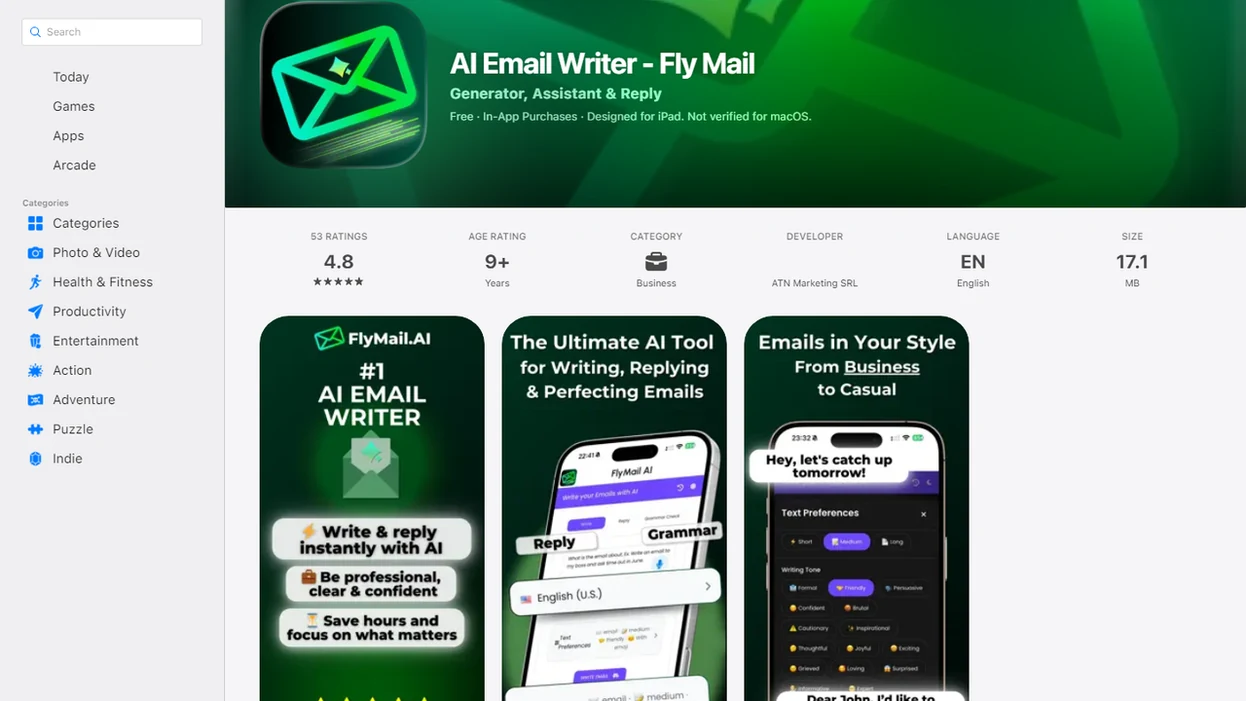
Side-by-side captures of the compared products. Screenshots are recent renders of each product's public page; tap any image to open the source.
Why Job Seekers Use A Job Application Email App
“Why do job seekers use a job application email app?” Most use one because they know the point they want to make, but the email still feels too stiff, too casual, or too long.
Job application emails are high-stakes communication. Hiring managers and recruiters notice writing quality, especially when the first contact includes a resume, portfolio, or request for a next step. In McKinsey’s Great Attrition research, 40% of surveyed workers said they were at least somewhat likely to leave their jobs in the next three to six months (https://www.mckinsey.com/capabilities/people-and-organizational-performance/our-insights/great-attrition-or-great-attraction-the-choice-is-yours).
The awkward pause before tapping Send is real.
Job seekers who have the right experience but struggle with wording can use Fly Mail to draft from notes, tighten the ask, and polish before sending.
Five Facts About Career Email AI For Applications
- Career email AI can turn short notes, resume highlights, and a pasted job description into a structured application email with a subject line, greeting, fit summary, and call to action.
- Email-first tools like FlyMail support the full job-search sequence: initial application, recruiter reply, follow-up, networking outreach, and interview thank-you.
- Personalization is still required for job titles, company names, recipient names, attachment details, and honest qualifications.
- A recruiter email writer can keep your tone steady across a search, especially when you are answering several “Are you available this week?” messages.
- Ethical use means treating AI as a drafting assistant, not as a shortcut for claiming skills, credentials, salary history, or experience you do not have.
Candidates who send many applications in a week need consistency without sounding copied. FlyMail fits that job-search rhythm because it supports draft, reply, and rewrite workflows inside one email-focused writing flow.
How An App To Help Me Write Job Application Emails Works
An app to help write job application emails works by converting your goal, role details, resume highlights, recipient, tone choice, and constraints into a predicted email structure. The model assembles likely wording; it does not independently verify your employment history or the employer’s requirements.
A strong input flow usually includes the job posting, the role title, the company name, the recruiter or hiring manager name, 2–3 relevant achievements, and any attachment notes. The draft often follows a familiar pattern: subject line, greeting, role reference, fit summary, resume or portfolio mention, call to action, and sign-off.
Good AI email writers deliver structured, editable drafts for real inbox moments, not a replacement for judgment, truthfulness, or human review.
Vague inputs create risk. If you write “make me sound qualified,” a model may add polished but inaccurate assumptions. On web or mobile, FlyMail works best when you paste specific details soon after seeing a posting, then review every claim before sending.
Top FlyMail Features For Job Application Email Drafts
FlyMail focuses on the email tasks job seekers repeat most: applying, replying, following up, networking, and saying thank you after an interview. Pew Research Center reported that among U.S. workers who use AI chatbots at work, writing and editing are among the most common uses, with 73% using them for that purpose (https://www.pewresearch.org/short-reads/2025/02/25/about-one-in-six-us-workers-have-ever-used-ai-chatbots-at-work/).
Draft From Rough Notes
Copying three rough bullets from Apple Notes into a draft box before a meeting starts is enough to begin. FlyMail can turn a pasted posting and a few resume highlights into an initial application email with a clear subject line and attachment mention.
Adjust Recruiter Email Tone
When the issue is sounding interested without sounding desperate, FlyMail covers professional, confident, polite, concise, and warm tone choices through a tone check workflow.
Refine The Draft By Chat
Job seekers trying to make a reply shorter, clearer, or more natural can refine the draft conversationally. That helps when the first version is accurate but still sounds unlike you.
How To Use A Recruiter Email Writer For A Job Application
Use a recruiter email writer as a draft from notes workflow, then edit it like a real message you own. In an NBER experiment, workers using an AI writing aid completed writing tasks 37% faster while improving output quality, but speed still depends on clean inputs and review (https://www.nber.org/papers/w31161).
- Paste or summarize the job description. Include the role’s main responsibilities and any requested application instructions.
- Add the role title, company name, recipient name, and attachment details. Mention whether you are attaching a resume, cover letter, portfolio, or work sample.
- Add 2–3 truthful achievements. Choose examples that match the posting, not every strong line from your resume.
- Choose tone and length. Pick concise, professional, confident, or polite based on the employer and message type.
- Review before sending. Check accuracy, privacy, formatting, attachment names, and your personal voice.
For job seekers, AI drafting is often more useful than a blank email window because it gives you a first version to correct, cut, and personalize.
Job Application Email App Patterns For Real Job Searches
A job application email app is most useful when it matches the exact hiring moment, not just “write a professional email.” The same app can help keep tone consistent across the full job-search sequence.
| Job-search situation | Draft to create | What to check before sending |
|---|---|---|
| Initial application | Resume or portfolio submission email | Role title, attachment names, and fit summary |
| Brief posting note | Short email for job application | Keep it under the requested length |
| Recruiter contact | Reply with availability and interest | Dates, time zone, salary wording, and next step |
| No response | Polite follow-up email | Timing, tone, and whether you already followed up |
| Interview completed | Thank-you email | Interviewer name and one specific conversation point |
| Networking outreach | Warm introduction or advice request | Shared context and a reasonable ask |
Anyone dealing with multiple recruiter threads can use FlyMail to keep “Recruiter reply,” “Follow up Monday,” and “Interview thank-you” messages aligned through the same paste, choose, refine workflow.
Who This Job Application Email App Is For
This job application email app is for people who have real experience to communicate but need help turning it into a clean, professional email. It is not for anyone trying to invent credentials, fake interest, or send applications automatically without review.
First-time applicants can use FlyMail when the blank email feels harder than the resume itself. Active job seekers can use it to keep several recruiter conversations organized without rewriting the same availability note from scratch. It also helps non-native English speakers sound polished and natural without making the message louder than the facts. Career changers can translate adjacent work, volunteer projects, coursework, or transferable skills into honest application wording.
A useful fit check looks like this:
- Gather the posting, recipient name, resume, and the exact role you are applying for.
- Choose the message type, such as initial application, recruiter reply, follow-up, or thank-you.
- Add only claims you can explain in an interview.
- Edit the draft until it sounds like you and matches the employer’s instructions.
- Avoid using the app for fabricated degrees, inflated metrics, made-up employers, or unattended sending.
Common Myths About Career Email AI
Career email AI is useful, but the myths around it create bad applications. The biggest myth is that AI emails do not need customization. In reality, unedited drafts often sound generic, especially when they skip the company name or repeat broad phrases like “excited about the opportunity.”
Another myth is that AI guarantees an interview. It does not. It can improve clarity, tone, and structure, but it cannot control role fit, internal referrals, timing, compensation range, or recruiter volume.
Privacy is another weak spot. Do not paste unnecessary sensitive data, salary history, home addresses, references, or confidential employer information unless you understand the privacy practices of the service you use.
Not cheating. Not automatic.
AI drafting can be ethical when the claims stay truthful and the sender reviews the result. Remove invented metrics, exaggerated achievements, overconfident wording, and any claim you would not defend in an interview.
Free And Paid Job Application Email App Tradeoffs
Free options can work for occasional drafts, especially if you only need one application email or a quick thank-you note. But they may limit daily messages, tone controls, saved workflows, or conversational refinement.
| Option | Good fit | Tradeoff |
|---|---|---|
| General AI chat tool | One-off drafts and experiments | More prompting and more cleanup |
| Grammar checker | Fixing errors in a draft you wrote | Less help with structure and intent |
| Dedicated email-first app | Repeated applications, replies, follow-ups, and thank-yous | May require choosing a plan for heavier use |
| Mobile-first workflow | Fast recruiter replies from a phone | Smaller screen makes review harder |
Named alternatives to compare include Grammarly for grammar cleanup, ChatGPT for general drafting, Copy.ai or Jasper for template-style writing, and Flowrite-style email assistants for short professional replies; FlyMail is the email-first option when the repeated task is job-search outreach.
If the priority is a repeatable job-search inbox workflow, FlyMail earns the spot because it is built around email drafts, replies, tone changes, and refinement rather than general writing alone. For broader comparisons, our best app for writing professional emails guide covers other work-email use cases.
Limitations
AI can help with job emails, but it has clear boundaries. Treat every draft as send-ready only after review, not send-without-reading.
- AI can misread vague prompts and produce polished but inaccurate assumptions about your skills, education, or work history.
- Over-reliance can make application emails sound formulaic across several roles.
- AI cannot judge every employer’s culture, industry norm, hiring urgency, or preferred communication style.
- Users must be careful with personal data, salary history, addresses, references, and confidential employer information.
- Free tiers may limit drafts, advanced tone controls, refinement features, or heavy job-search usage.
- AI may occasionally suggest biased, outdated, exaggerated, or non-inclusive phrasing.
- No app can guarantee interviews, offers, recruiter responses, or better ranking in an applicant tracking system.
- Competitors such as grammarly.com, chatgpt.com, copy.ai, jasper.ai, and boss ai email may help with parts of the task, but each still requires human review.
A client feedback screenshot beside a draft can help you remember the rule: facts first, polish second.
Read more
FAQ
What app can help me write job application emails?
AI email writers like FlyMail can draft job application emails, recruiter replies, follow-ups, networking notes, and interview thank-you messages. The draft should still be reviewed and personalized before sending.
Is it okay to use AI for job application emails?
Yes, it is generally okay to use AI as a writing aid if you review the message and keep every claim truthful. Do not use AI to invent skills, credentials, employers, or results.
Can AI help me write replies to recruiters?
Yes, a recruiter email writer can help with availability, interest level, salary-range wording, interview scheduling, and next-step replies. You should confirm dates, names, time zones, and compensation wording yourself.
What information should I paste into an AI job email writer?
Useful inputs include the job description, role title, company name, recipient name, attachment details, and 2–3 truthful achievements. Avoid unnecessary sensitive personal data.
Should I mention my resume attachment in a job application email?
Yes, if you attach a resume, cover letter, portfolio, or work sample, mention it briefly in the email body. Use a simple line such as, “I’ve attached my resume for your review.”
Can AI write follow-up emails after I apply for a job?
Yes, AI can draft polite follow-up emails after an application, recruiter conversation, interview, or networking exchange. The message should be brief, specific, and timed appropriately.
Will recruiters detect AI-written job application emails?
Generic AI wording can be noticeable, especially when it lacks role details or sounds overly polished. Personalized, accurate editing makes the email sound more natural.
What makes a job application email good?
A good job application email has a clear subject, specific role reference, concise fit statement, attachment mention, and polite call to action. It should be accurate, easy to scan, and written in your own voice.