
Official Download Links
Use the official store links below to install FlyMail. Installing from official stores ensures you receive verified updates and the genuine app.
FlyMail
Install FlyMail on your iPhone or Android device to write, reply, and refine emails faster with AI. Free to download with optional premium features.
Use the official store links below to install FlyMail. Installing from official stores ensures you receive verified updates and the genuine app.
The gap between having an idea for an email and actually sending it is mostly friction. Opening a browser, navigating to a tool, configuring settings, and then finally typing your intent takes long enough that many emails get postponed. A dedicated app on your phone eliminates most of this friction.
One tap opens FlyMail. The interface is ready for input immediately. You describe what you need, select a tone, and generate a draft in seconds. The entire flow from opening the app to having a send-ready draft takes under two minutes. This speed matters because email decisions happen in transitional moments: after a meeting, between calls, during a commute. If the tool is not faster than the moment of motivation, the email gets delayed.
The mobile form factor also matches how most people think about email. You are not sitting down to write a novel. You are capturing a communication need quickly and converting it into a clear, professional message. A phone-native app respects this reality and is designed around it.
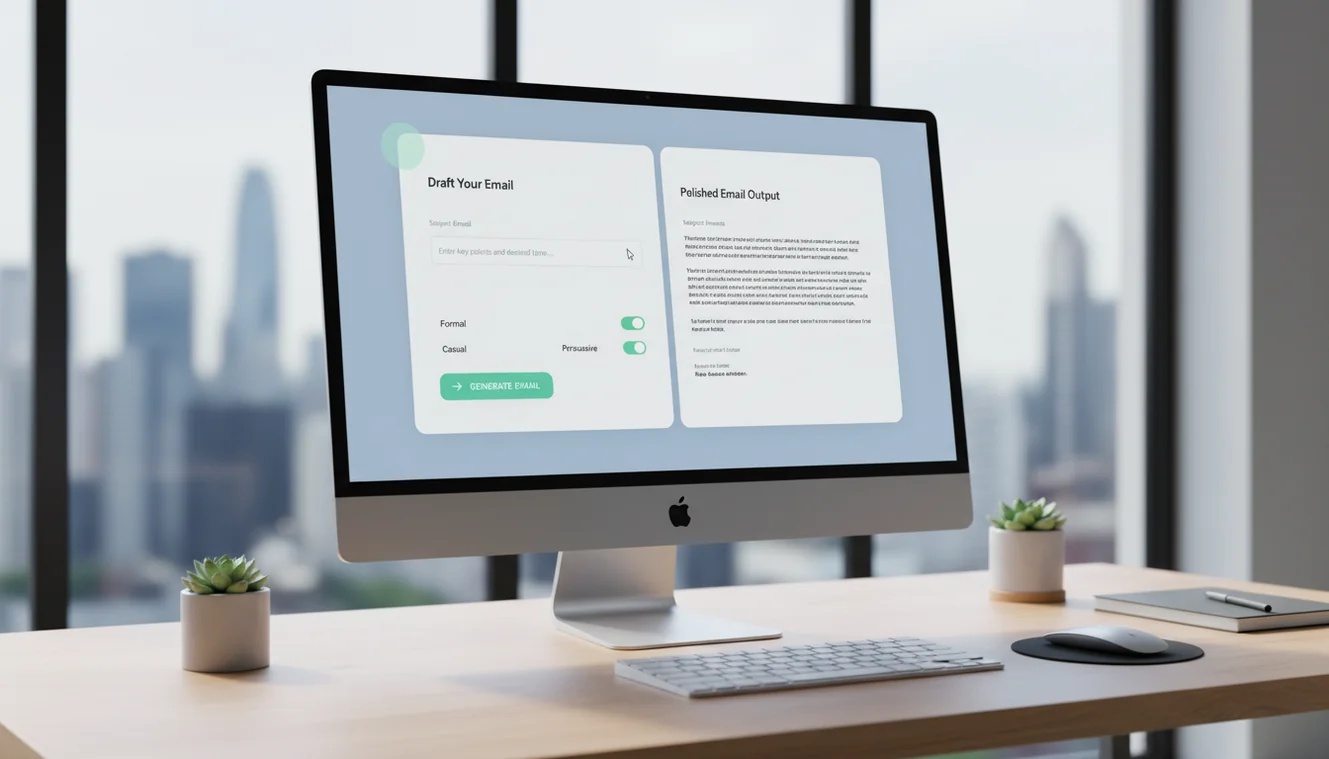
FlyMail provides AI-powered email drafting with a simple, fast interface. You describe the email purpose, add relevant context, choose from professional, friendly, direct, or persuasive tones, and receive a complete email draft including a subject line.
The app supports several email types: new outreach, follow-ups, replies, client updates, internal communication, and general professional emails. The AI adapts its output based on your stated context and tone preference.
The free tier allows you to test the app with real email scenarios. Premium options unlock higher generation volume for users who integrate AI email writing into their daily workflow. In-app purchase details and current pricing are available on the store listing.
The app is designed to produce send-ready drafts with minimal editing. The most common workflow is: generate, review facts and tone, make minor adjustments, copy to your email client, and send. For most emails, this process is significantly faster than composing from scratch.
Professionals who write more than five emails per day see the largest time savings. Account managers, sales representatives, project managers, customer support professionals, and founders typically handle high email volume and frequently need to compose messages away from their desk.
Non-native English speakers benefit significantly because the AI handles grammar, phrasing, and professional conventions automatically. You provide the content and intent in simple terms, and the app produces polished English output. This reduces the anxiety and time investment associated with writing in a second language.
Team leaders who need consistent communication quality from their team benefit from recommending a shared tool. When everyone uses the same email writing assistant, the baseline quality of team communication improves, even when individual writing skills vary.
Freelancers and independent consultants who manage multiple client relationships benefit from the speed of AI-assisted drafting. Maintaining professional communication with several clients simultaneously is time-consuming, and a tool that reduces per-email effort creates meaningful capacity for billable work.
The FlyMail web tool at flymail.ai is best for occasional use, desktop-first workflows, and situations where you want to test the tool before downloading the app. It offers 3 free generations per day with no installation required.
The mobile app is best for daily email writing, high-volume usage, and situations where email needs happen away from your desk. The native interface is faster to use, optimized for touch interaction, and available with one tap from your home screen.
Many users use both. The web tool for complex emails at their desk where a full keyboard makes editing easier. The mobile app for quick drafts, replies, and follow-ups throughout the day. The combination covers the full range of email writing scenarios.
The underlying AI model is the same for both web and app, so draft quality is identical. The difference is entirely in the interface, access convenience, and generation volume limits.
FlyMail processes your email input through the OpenAI API to generate drafts. The content you submit is used solely for the generation request and is not stored by FlyMail after the draft is returned. No email content is used for model training, analytics, or any purpose other than producing your requested draft.
The daily usage tracking works through an anonymous counter. No email content, personal information, or account identifiers are associated with usage data beyond what is necessary for the generation limit functionality.
For users with strict privacy requirements, the key consideration is that your input passes through OpenAI servers for processing. OpenAI API data usage policy governs how they handle API inputs, and they state that API data is not used for model training. Review this policy if your organization requires documentation of data processing chains.
The app does not request access to your email account, contacts, or other device data. It operates as a standalone drafting tool. You copy the generated draft to your email client of choice, which means FlyMail never has access to your inbox, contacts, or email history.
After downloading FlyMail, open the app and start generating immediately. There is no required onboarding process, account creation, or tutorial. The interface presents the email drafting form on launch.
For your first email, try a real scenario rather than a test. Think of an email you actually need to send today. Describe the recipient and purpose, add relevant context, choose the appropriate tone, and generate. The quality of the output with a real scenario gives you a much better evaluation than a sample prompt.
If the first draft needs adjustment, refine your description and generate again. Most users find that adding specific context, like the recipient role, relevant deadlines, or explicit tone preferences, produces significantly better output on the second attempt.
Develop a habit of using the app for your most common email types first. Follow-ups, quick replies, and status updates are good starting categories because they happen frequently and follow predictable patterns. Once the app becomes part of your routine for these, expand to other email types based on where you spend the most drafting time.
| Need | Best option |
|---|---|
| Starting a new email | You decide the structure, wording, greeting, and closing from scratch. |
| Replying on mobile | Typing a careful response on a phone can be slow and easy to misword. |
| Improving tone | You may need to rewrite several times to sound professional, warm, concise, or confident. |
| Sensitive work email | You personally check facts, context, confidential details, and wording before sending. |


FlyMail is available on the App Store for iPhone and iPad, and on Google Play for Android devices. Use the download links on this page to go directly to the official store listing. Installing from official stores ensures you get the genuine app with verified updates.
Yes, FlyMail is free to download on both iOS and Android. The app includes free usage with optional in-app purchases for higher generation volume. You can test all core features before deciding whether a paid plan fits your needs.
FlyMail requires iOS 15 or later. Check the App Store listing for the most current system requirements. The app is optimized for iPhone and also works on iPad.
FlyMail requires Android 8.0 or later. Check the Google Play listing for the most current system requirements. The app is designed for phones and works on tablets with standard Android screen sizes.
The web tool at flymail.ai offers 3 free email generations per day and is designed for quick desktop usage. The mobile app provides a native interface optimized for phone usage, additional generation capacity, and the convenience of one-tap access. Most users find the app better for high-volume daily email writing while the web tool works well for occasional use.
FlyMail does not retain your email content after generation. Your input is processed through the AI model to produce a draft and is not stored for training, analytics, or any other purpose. The only data tracked is an anonymous daily usage counter.
Yes, business email drafting is one of the primary use cases. The app supports professional, friendly, direct, and persuasive tone options. It handles client updates, follow-ups, proposals, internal communication, and most other business email types. Always review generated drafts for factual accuracy before sending business communication.
FlyMail uses GPT-4o-mini for email generation. This model provides a good balance between generation speed and output quality for email-specific use cases. The model may be updated over time as newer versions become available.
The underlying AI model supports multiple languages. English produces the strongest results. European languages are generally well-supported. For other languages, test with a few real scenarios to evaluate quality. Grammar is typically correct, but cultural conventions and idiomatic expressions may vary in accuracy.
Contact support@flymail.ai for help with the app. You can also check app store reviews and description for current known issues and feature updates. The support team handles account questions, technical issues, and feature requests.