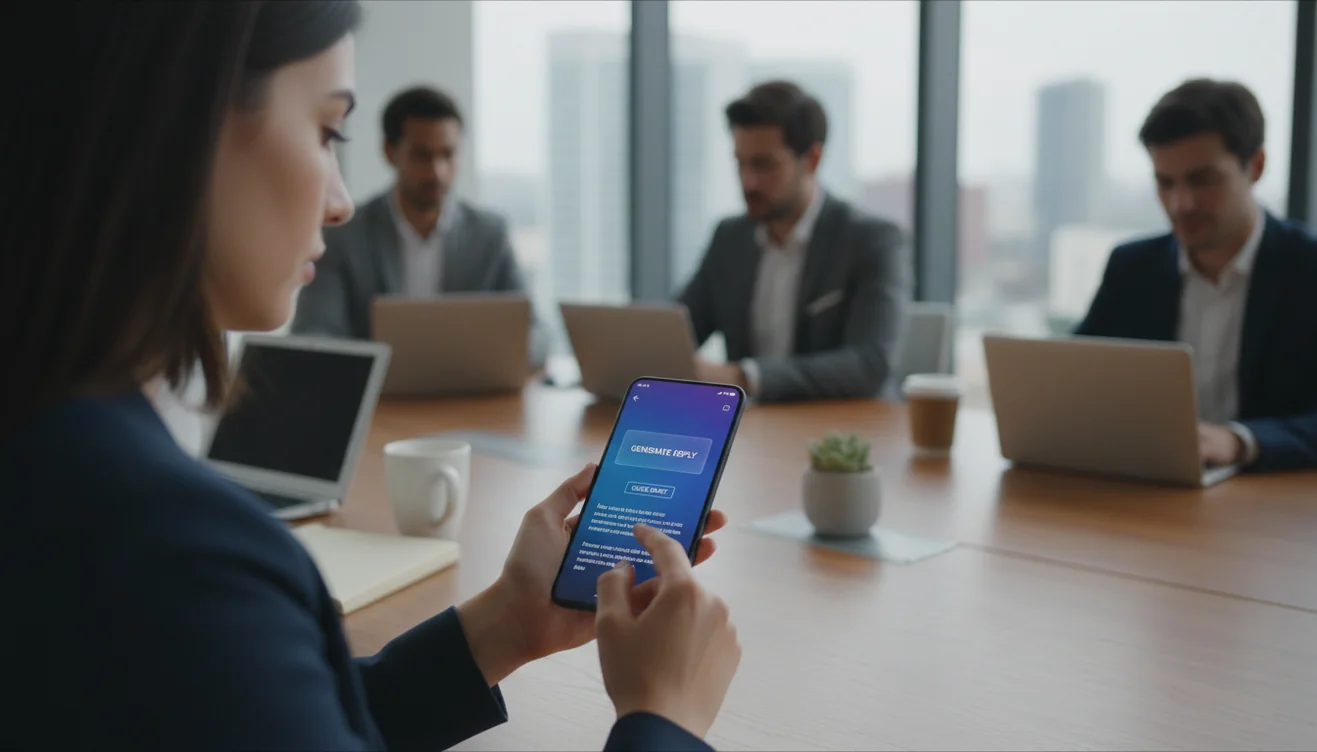
What an AI email assistant does beyond simple drafting
An AI email assistant goes beyond generating new emails from scratch. It helps with the entire range of email tasks that consume your daily attention: composing, replying, rewriting, summarizing, and organizing. Where an AI email writer solves the blank-page problem, an assistant addresses the broader challenge of managing communication across dozens of threads with different urgency levels, tones, and stakeholders.
The most valuable function for most users is reply assistance. Reading an incoming email, understanding what it requires, and crafting an appropriate response is a multi-step cognitive task that takes several minutes per message. An AI assistant that reads the incoming message and suggests a reply based on your stated intention reduces this to a quick review and adjustment process.
Rewriting is another underappreciated function. Sometimes you have written a draft that is technically correct but feels wrong for the situation. Too aggressive, too passive, too long, too cold. An AI assistant can rephrase your existing text in a different tone while preserving the core message, saving you the mental effort of restructuring paragraphs while trying to shift the emotional register.
How AI email assistants process and understand your messages
When you submit text to an AI email assistant, the underlying language model processes it as a sequence of tokens, which are fragments of words. The model evaluates the relationships between these tokens to understand the meaning, intent, tone, and structure of the text. It then generates output that responds to both the content of the input and any additional instructions you provide, such as tone preferences or response goals.
This processing happens through neural networks with billions of parameters that have been trained on vast amounts of text data. The model does not store your emails or learn from them in real time. Each interaction is independent, processed, and then discarded unless the tool explicitly states otherwise.
The practical implication is that the model understands language patterns extremely well but does not understand your specific context. It does not know that this client is your biggest account, that this colleague is having a difficult week, or that this thread has been escalating for three days. You provide that context either through your prompt or through your review of the output. The model handles language, you handle meaning.
Where AI email assistants save the most time in daily work
The biggest time savings come from three areas: reply generation, tone adjustment, and thread summarization.
Reply generation eliminates the drafting phase of responding to incoming emails. For routine messages, that means going from three to five minutes per reply down to under a minute. For a professional who handles 30 to 50 emails per day, even a 50% time reduction on half of those replies saves over an hour daily.
Tone adjustment is valuable when the situation changes. You drafted an update in a neutral tone, but then learned the client is upset. Or you wrote a direct request that needs to be softer because the recipient is a new relationship. Rewriting manually takes concentration and multiple attempts. An AI assistant can shift the tone in seconds while preserving the substantive content.
Thread summarization helps when you return to a long email chain that has evolved while you were away. Instead of reading 15 messages to understand the current state, an AI assistant can summarize the thread, identify the latest action items, and highlight any decisions that were made. This is particularly useful on Monday mornings or after time off.
Limitations of AI email assistants you should understand
AI email assistants do not truly understand context the way a human colleague does. They process text patterns and make probabilistic predictions about what constitutes an appropriate response. This works well for routine communication but can fail for nuanced situations where cultural awareness, political sensitivity, or emotional intelligence matters.
Another limitation is the integration challenge. Many AI email assistants work as standalone tools where you copy and paste text rather than operating natively within your email client. This adds friction to the workflow. Tools that integrate directly with Gmail or Outlook provide a smoother experience but require you to grant access to your email account, which raises legitimate privacy concerns.
Accuracy remains a persistent limitation. The assistant may suggest a reply that misinterprets the incoming message, proposes an action you would not take, or includes details that are factually wrong. The quality of suggestions improves with clear instructions, but no current AI tool is reliable enough to send responses without human review. Treat suggestions as starting points, not finished communication.
Choosing the right AI email assistant for your workflow
The right assistant depends on your primary email challenge. If your main problem is drafting speed, a standalone AI email writer may be sufficient and simpler. If you need help with replies, rewrites, and managing high-volume communication, a broader assistant tool is more appropriate.
Evaluate tools by testing them with your actual email scenarios, not with simple demonstrations. Write the type of emails you actually send each week and see how the tool handles them. Pay attention to whether the output needs minor tweaking or major rewriting. A tool that saves you three minutes per email but requires two minutes of editing only saves one minute, and the evaluation math changes accordingly.
Pricing models vary. Some tools charge per generation, others charge monthly subscriptions, and some offer free tiers with usage limits. FlyMail offers free daily web generations and a mobile app for higher-volume usage. When comparing pricing, calculate the cost per email generated and compare it to the time value saved. For most professionals, even a paid tool pays for itself within the first week of active use.
Privacy and security considerations for AI email assistants
Email is inherently sensitive. It contains personal information, business negotiations, financial details, and confidential discussions. Any tool that processes your email content must be evaluated through a privacy lens.
Tools that operate on a paste-and-process model, where you manually submit specific text, give you full control over what is shared. You decide what the AI sees. Tools that integrate with your inbox and scan messages automatically provide a smoother experience but reduce your control over data exposure.
For business use, check three things before adopting any AI email assistant. First, does the provider store your email content, and for how long? Second, is your data used to train or improve AI models? Third, what security certifications or compliance standards does the provider meet? If the tool processes data in regions with different privacy regulations than your own, that creates additional complexity.
FlyMail takes a minimal-data approach: the web tool processes your input for generation and does not retain email content afterward. The daily limit is tracked by anonymous IP counter only.
Building an effective AI email assistant workflow
An effective workflow treats the AI assistant as a drafting partner rather than an autopilot. The process is: assess what the email needs, provide clear instructions to the assistant, review the output for accuracy and tone, make adjustments, and send.
For teams, establish shared guidelines for how the assistant is used. Which email types are appropriate for AI assistance? What review standards apply before sending? Who handles exceptions where AI output is clearly inadequate? These questions prevent inconsistent adoption and ensure that AI assistance improves communication quality rather than introducing new risks.
Measure the impact over time. Track how long emails take to compose before and after adopting the tool. Monitor whether recipients respond differently to AI-assisted emails. If response rates improve or if the time spent on email drops measurably, the workflow is working. If not, adjust your prompt patterns and review process before concluding the tool is not helpful.