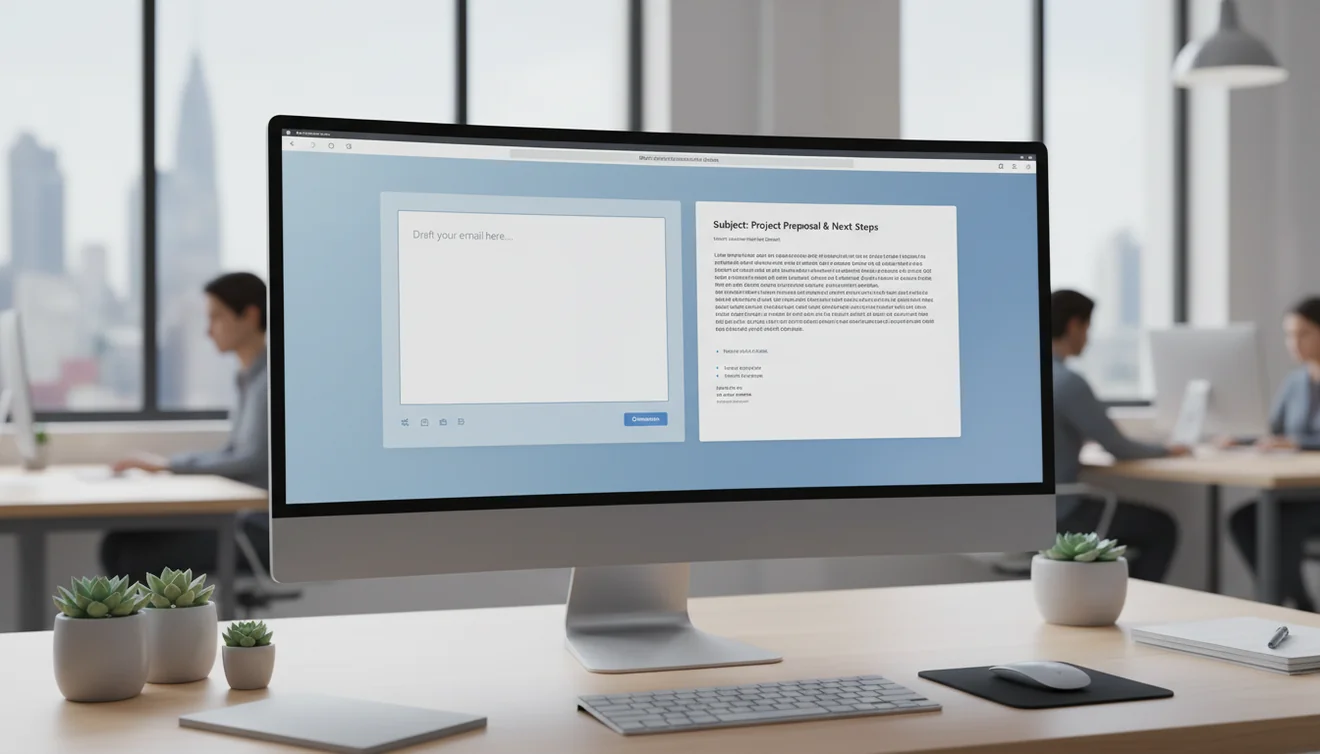
What professional email writing actually means
Professional email writing is not about using big words or formal language. It is about clarity, respect for the recipient's time, and effective communication of your intent. A professional email makes the purpose obvious in the first few sentences, provides enough context for the recipient to act without additional questions, and ends with a clear next step.
The standard for what counts as professional varies by industry, company culture, and relationship. A startup founder emailing their co-founder uses different language than a lawyer emailing a client. What remains constant is the structure: clear subject, clear purpose, clear ask. This structure scales across every professional context because it prioritizes the recipient's ability to understand and respond efficiently.
Many people overcomplicate professional email because they confuse formality with professionalism. Formality is a style choice. Professionalism is a quality standard. You can write a professional email that is warm and conversational. You can also write a formal email that is unprofessional because it is unclear, too long, or fails to state what is needed. Focus on clarity first, and formality will follow naturally based on the context.
The structure of an effective professional email
Every effective professional email follows a predictable structure. The subject line tells the recipient what the email is about and, ideally, what they need to do. The opening line states why you are writing. The body provides necessary context and supporting details. The closing states what happens next or what you need from the recipient.
Subject lines deserve more attention than most people give them. A subject line like "Quick question" tells the recipient nothing. A subject line like "Approval needed: Q3 marketing budget by Friday" tells them what to expect, what they need to do, and when. Good subject lines reduce the time to triage and increase the likelihood of timely responses.
The body should use short paragraphs, each covering one point. If you have multiple items to address, use numbered lists or bullet points. Wall-of-text emails get skimmed or deferred, which delays the response you need. Formatting is not decoration in professional email. It is a communication strategy that directly affects whether your message gets the attention it requires.
Common professional email mistakes and how to avoid them
The most expensive professional email mistake is sending a message that requires a follow-up clarification. Every unclear email creates a reply chain: the recipient asks what you meant, you explain, they respond to the explanation, and what should have been one email becomes four. Multiply this by every email you send and the cumulative time waste is enormous.
Burying the purpose is the most common structural mistake. Many people start emails with background context before stating what they need. Reverse this. State the purpose first, then provide context for recipients who need it. This respects the recipient's attention and ensures they understand your request even if they only read the first two sentences.
Another frequent mistake is the missing call to action. If your email does not explicitly state what you need from the recipient, you are relying on them to figure it out. Sometimes they will. Often they will not, or they will interpret it differently than you intended. End every professional email with a clear, specific statement of what you need: a decision, a document, a meeting time, a confirmation, or acknowledgment.
Writing professional emails for difficult situations
Difficult emails, such as delivering bad news, pushing back on a request, or addressing a performance issue, are disproportionately hard because the emotional stakes raise the cost of getting the tone wrong. A payment reminder that sounds aggressive can damage a client relationship. A rejection that sounds dismissive can close a door you wanted to keep open.
The key to difficult professional emails is separating facts from feelings. State what happened factually. Describe the impact without blame. Propose a path forward. This structure works for almost every difficult situation because it keeps the conversation focused on resolution rather than emotion.
For example, instead of writing "You still haven't paid the invoice," write "The invoice sent on March 1st remains outstanding as of today. To avoid any disruption to the project timeline, could we arrange payment by end of week? I am happy to discuss alternative arrangements if needed." Both messages communicate the same factual content, but the second version maintains the relationship while still being clear about the expectation.
How AI tools support professional email writing
AI email writing tools are particularly useful for professional communication because they default to structured, clear output. The model has learned from millions of professional emails what an effective structure looks like, what appropriate formality sounds like, and how to phrase requests diplomatically. This makes the generated drafts a strong starting point for most business scenarios.
The biggest advantage is consistency. Even skilled writers have off days where their emails are less clear, less diplomatic, or less structured than usual. AI provides a stable baseline regardless of your current mental state, energy level, or time pressure. This is especially valuable in the late afternoon when decision fatigue affects writing quality.
The limitation is personalization. AI does not know that your client prefers bullet points over paragraphs, or that your manager likes to be cc'd on vendor communications, or that this particular prospect responds better to case studies than to feature lists. These relationship-specific details are what you add during the review phase, transforming a generic professional draft into a message that feels like it came from someone who knows the recipient.
Professional email etiquette that still matters
Response time communicates respect. Even if you cannot provide a complete answer immediately, acknowledging receipt within a few hours tells the sender their message matters. A simple reply like "Got your email, I will have a full response by tomorrow" is better than silence followed by a detailed reply three days later.
CC and BCC usage still causes problems in many organizations. CC someone only when they need to be aware of the conversation or when the sender expects you to include them. Do not CC people to create pressure or establish an audience for a conflict. BCC should be used rarely and only for legitimate purposes like protecting email addresses in large distributions.
Proofreading is a professional obligation, not a suggestion. Typos in a casual message to a close colleague are forgettable. Typos in a client proposal, a message to leadership, or a first-contact email create an impression of carelessness. Before sending any important professional email, read it once for content and once for errors. This two-pass review takes less than a minute and prevents most avoidable mistakes.
Building professional email habits that compound over time
The professionals who communicate most effectively by email are not necessarily the best writers. They are the ones with consistent habits. They use subject lines that communicate content. They state the purpose early. They keep messages focused on one topic. They respond within a reasonable timeframe. They proofread before sending.
These habits compound because they affect every interaction. Over months, a colleague who always sends clear, well-structured emails builds a reputation for reliability and competence. Conversely, a colleague whose emails are rambling, unclear, or frequently need clarification builds the opposite reputation, regardless of how competent they are in other areas.
AI email tools can accelerate the development of these habits. By reviewing AI-generated drafts, you see consistently structured, clear communication. Over time, the patterns in those drafts become part of your own writing instincts. The draft becomes a teacher as much as a time-saver, especially for people early in their careers or working in a language that is not their first.