Why email replies take longer than they should
Replying to an email involves more cognitive work than most people realize. You read the incoming message, identify what it is asking or communicating, decide what your response should accomplish, figure out the right tone for the relationship and situation, draft the text, review it for accuracy and tone, and then send. Each step requires mental effort, and the total time adds up quickly when you are handling dozens of messages per day.
The bottleneck is rarely typing speed. It is the thinking that happens before and during typing. What is the right way to phrase this? How direct should I be? Am I forgetting something the sender mentioned? Should I address the tone of their message or just answer the question? These micro-decisions accumulate into what researchers call decision fatigue, and by mid-afternoon, even simple replies feel harder than they should.
An email reply generator addresses this by handling the phrasing and structure work. You still make the decisions about what to communicate and how, but the mechanical work of turning those decisions into well-formed sentences happens automatically. This division of labor is what makes reply generation genuinely useful rather than just a novelty.
How email reply generators actually work
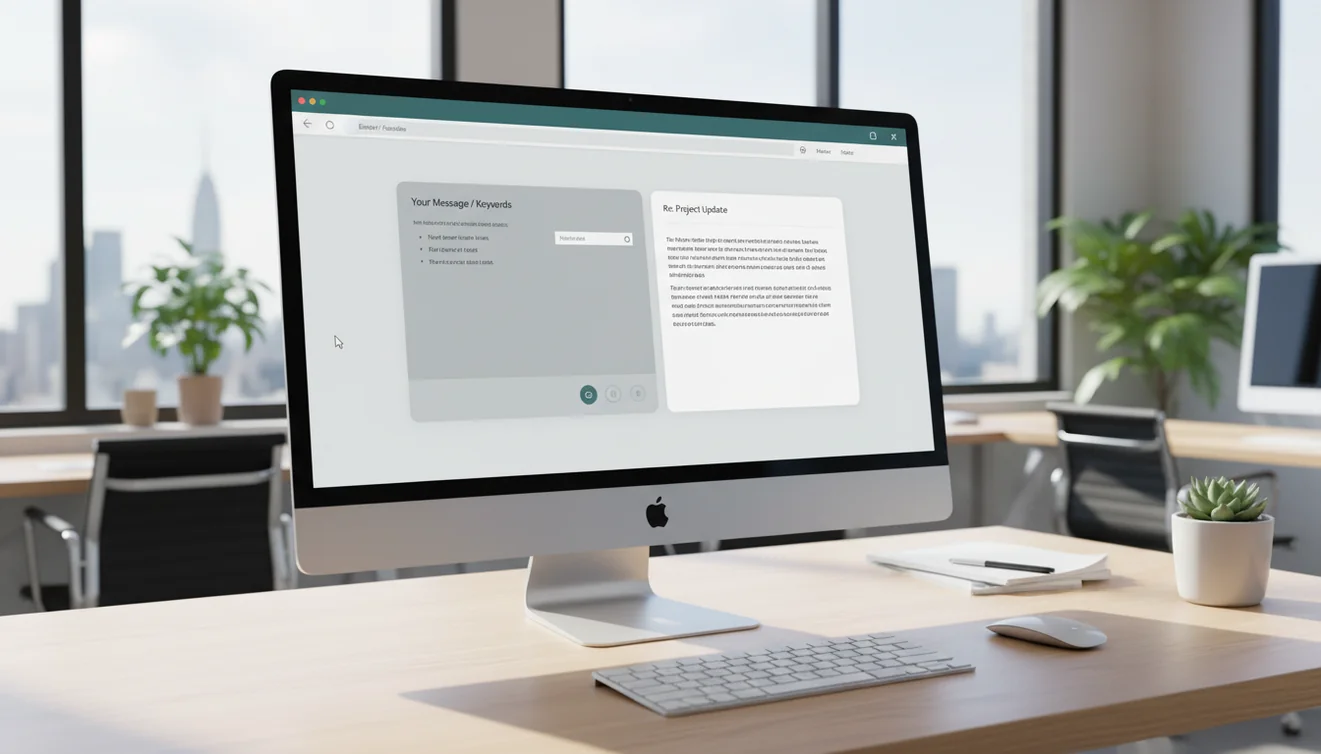
An email reply generator takes two inputs: the incoming email and your instructions for the reply. The AI model processes the incoming message to understand what was said, what was asked, and what tone was used. It then combines that understanding with your stated reply intention to generate a response that is contextually relevant and tonally appropriate.
The model considers several factors when generating the reply: the formality level of the incoming message, the apparent urgency, whether questions were asked that need direct answers, and whether the situation calls for agreement, pushback, information, or action. Your instructions override the model's defaults, so if you want a direct reply to a rambling message or a warm reply to a cold message, you can specify that.
Because the generator works from the incoming text, it can address specific points, reference details the sender mentioned, and match the structural expectations of the conversation. This is different from a general email writer that creates messages from scratch. A reply generator is inherently contextual because it has the incoming message as a reference anchor.
Situations where reply generators excel
The strongest use case is high-volume reply work. Customer support teams, account managers, and operations professionals who handle 30 to 100 emails per day see the most dramatic time savings. When each reply is individually crafted but follows similar patterns, a generator provides the consistent baseline that makes the whole process faster.
Another strong use case is replying to emotionally charged messages. When a client is upset, a supplier is complaining, or a colleague is frustrated, your emotional state affects your writing. A generator provides a neutral, professional draft that you can customize, preventing reactive responses that you might regret later.
Replying in a second language is also significantly easier with AI assistance. If you understand the incoming email but struggle to phrase a fluent response, the generator bridges that gap. You describe your intended response in simple terms, and the model produces polished output in the target language. This is particularly valuable for international teams where English may not be everyone's first language.
When reply generators fall short
Reply generators struggle with messages that reference extensive prior context. If the incoming email says "as we discussed last Thursday" or "per the updated agreement," the generator does not have access to those previous interactions and may produce a response that misses important context. For threads with significant history, you need to provide that context in your prompt or edit the output accordingly.
Highly nuanced political situations within organizations are another weak spot. The generator does not know that replying too quickly to this particular executive might seem dismissive, or that CC'ing a specific colleague on this thread would create conflict. These relationship dynamics are invisible to the AI and must be handled by your judgment.
Legal or compliance-sensitive replies also require extra caution. The generator might draft a response that inadvertently creates a contractual obligation, admits fault, or waives rights. For any reply that could have legal implications, treat the AI draft as a rough starting point and involve appropriate stakeholders before sending.
Best practices for using email reply generators effectively
Always include the full incoming email in your prompt, not a summary. The generator produces better responses when it can reference the actual text, phrasing, and structure of the original message. Summaries lose nuance that affects reply quality.
Be specific about what your reply should accomplish. Do not just say "reply to this." Say "agree to the meeting time, ask for the agenda in advance, and mention that I will bring the Q3 report." Specific instructions produce specific output.
Specify the tone explicitly. The generator will default to matching the incoming email's formality level, which is usually appropriate but not always. If you want to shift the tone, say so. "Reply professionally but keep it warm" gives the model a clear target.
Review for completeness. Did the incoming email ask three questions? Make sure the reply addresses all three. Generators sometimes skip questions, especially when the incoming message is long and multi-part. A quick comparison between the questions asked and the answers provided catches this common issue.
Reply generators for customer support teams
Customer support is the most natural environment for email reply generators because the patterns are highly repetitive but the details vary. A support team might handle hundreds of emails about shipping delays, billing questions, product issues, and account problems. Each email deserves a personal, helpful response, but writing them from scratch every time is inefficient and leads to inconsistent quality.
A reply generator trained on your support guidelines produces responses that are consistent in tone, complete in information, and professional in structure. Support agents review and personalize each response rather than writing from a blank page. This speeds up response time, reduces agent fatigue, and improves the customer experience.
To implement this effectively, create a set of prompt templates for your most common support categories. Each template should include standard context about your policies, the expected tone, and common constraints like what refund thresholds require manager approval. Agents then fill in the specific details of each case and generate a tailored response.
Measuring the impact of reply generators
Track three metrics to evaluate whether a reply generator is improving your email workflow. First, average reply time: how long does it take from receiving an email to sending the response? A meaningful reduction indicates the tool is saving time. Second, quality consistency: are replies maintaining the same professional standard across team members and across the day? Third, revision rate: how often do you need to significantly edit the generated reply before sending?
If reply time drops and revision rates stay low, the tool is working well. If revision rates are high, the issue is usually prompt quality rather than tool quality. Investing time in better prompts and templates typically resolves this. If quality drops despite good prompts, the tool may not be sophisticated enough for your email complexity.
For teams, compare these metrics across individual members. Team members who struggle with email writing in general often see the largest improvements from reply generators, while strong writers see moderate time savings. This information helps you allocate training resources and tool access effectively.