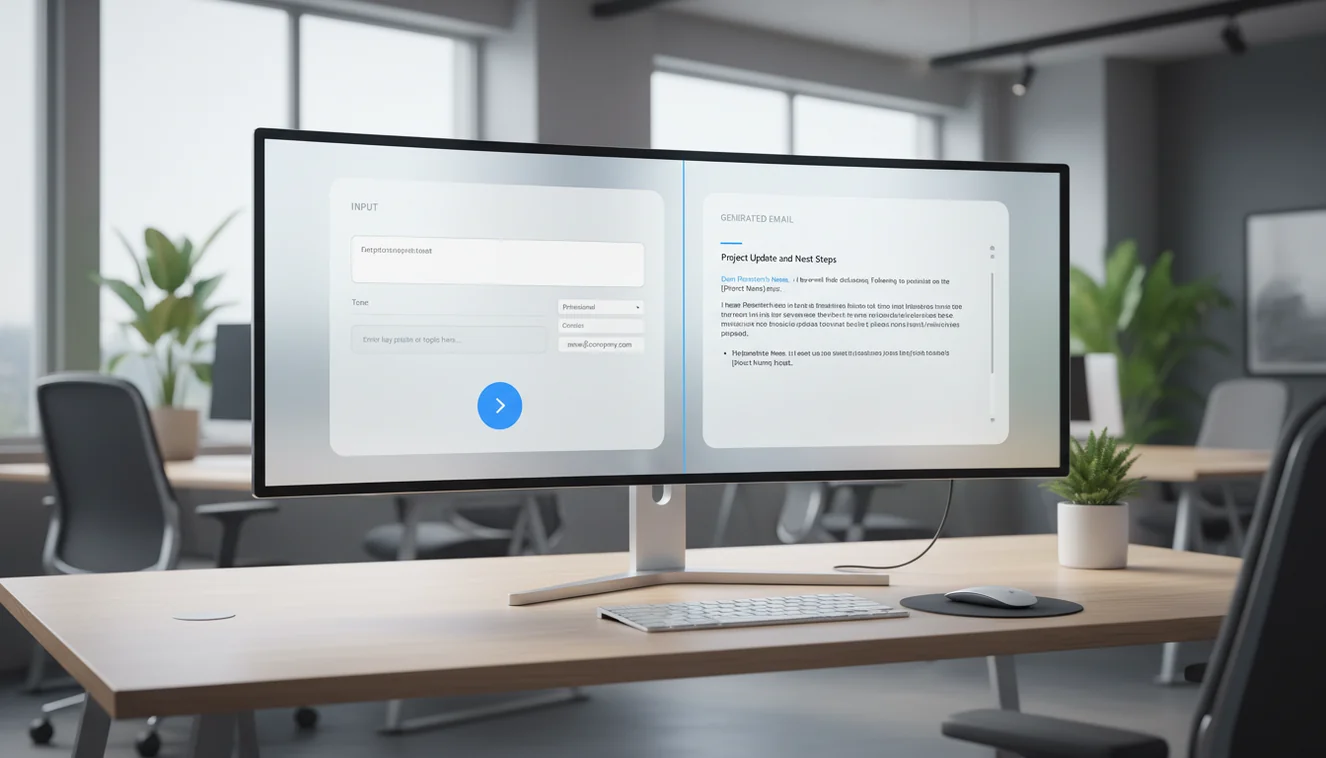
What an AI email generator actually does
An AI email generator takes a natural language description of what you want to communicate and produces a complete email draft. Unlike templates that require you to fill in blanks within a fixed structure, a generator creates the entire email from scratch based on your specific situation. The technology relies on large language models that have processed billions of examples of human writing to predict effective word sequences for any given context.
The practical output is a draft that includes a subject line, appropriate greeting, structured body paragraphs, and a professional closing. The quality of this output depends almost entirely on the quality of your input. A one-sentence description produces a generic email. A detailed description with audience, context, and constraints produces something you can send with minor adjustments.
This distinction between input quality and output quality is the most important thing to understand about AI email generation. The tool is as smart as the instructions you give it. Investing an extra 30 seconds in a detailed prompt saves minutes of editing on the other end.
How AI email generators compare to templates and autocomplete
Templates work well for highly standardized communication: order confirmations, appointment reminders, password resets. They fail when the situation deviates even slightly from the template structure. If your template assumes one variable but your actual email needs three, you end up rewriting the template anyway.
Autocomplete tools like those built into Gmail or Outlook suggest completions for sentences you have already started. They speed up typing but do not help with the harder problem: figuring out what to write in the first place. They work within your existing text, not ahead of it.
AI email generators solve a different problem entirely. They handle the blank page. You do not need to start writing before the tool can help you. You describe the situation and the tool produces a first draft. This is why generators are most valuable for emails where you know the goal but struggle with the execution, like sensitive messages, unfamiliar formats, or high-stakes communication where getting the tone wrong has real consequences.
When AI email generation saves significant time
The largest time savings happen in two categories: high-frequency emails and high-difficulty emails.
High-frequency emails are the ones you write every week that follow similar patterns but need different details each time. Status updates to clients, weekly reports to managers, follow-ups after meetings, reminders about pending tasks. These emails are not hard to write individually, but writing five to ten of them per week adds up to hours of cumulative effort. An AI generator reduces each one from a ten-minute task to a two-minute task.
High-difficulty emails are the ones that take disproportionately long because the phrasing matters more than usual. Declining a request without damaging a relationship. Addressing a performance issue. Asking for something you are not sure you will get. These emails often involve multiple rewrites, second-guessing, and delay. An AI generator provides a neutral starting point that removes the emotional weight of the blank page and gives you something concrete to react to rather than create from nothing.
The real limitations of AI email generators
AI email generators do not understand your relationships, your company culture, or the unwritten rules of your industry. They generate text based on general patterns, which means they default to conventional phrasing that may or may not match your specific context. A follow-up email generated by AI will be polite and structured, but it will not know that this particular client hates small talk and prefers you get to the point immediately.
Another real limitation is factual invention. Language models sometimes produce statements that sound confident but are fabricated. They might include a specific date, a claim about your product, or a promise you did not authorize. This is not a bug that will be fixed with a software update. It is a fundamental property of how these models work. They predict likely text, and sometimes likely text includes plausible-sounding details that are wrong.
The practical response to both limitations is the same: review everything before sending. Use the AI for structure and phrasing. Use your brain for facts, relationships, and judgment. This division of labor is what makes the workflow effective.
How to write effective prompts for email generation
A well-structured prompt has five components. First, the recipient: who is this email going to, and what is your relationship? Client, colleague, manager, new contact. Second, the purpose: what do you want to happen after they read this email? A reply, a payment, a meeting, approval. Third, context: what background information makes this email relevant right now? Fourth, tone: formal, casual, direct, diplomatic. Fifth, constraints: what should the email absolutely not include?
The fifth component, constraints, is where most people get the biggest improvement. Telling the AI what to avoid eliminates entire categories of problems. "Do not promise a delivery date." "Do not apologize." "Do not exceed four sentences." "Do not use the word innovative." Each constraint narrows the output space and brings the result closer to what you actually need.
As a general rule, spend at least as long writing the prompt as you expect the email to take to read. A 30-second prompt for a one-minute email is a reasonable ratio that produces strong results consistently.
Quality control process for generated emails
After generation, run through a quick checklist before sending. Are all names, dates, and figures correct? Does the email accurately represent commitments you are willing to make? Is the tone appropriate for this specific recipient and situation? Is the call to action clear and achievable? Would you be comfortable if this email were forwarded to someone else?
This checklist takes 30 to 60 seconds for a standard email and is the difference between AI-assisted communication that builds trust and AI-assisted communication that creates problems. The time investment is minimal compared to writing from scratch, and the risk reduction is significant.
For high-stakes emails, like those involving contracts, complaints, or personnel issues, add an additional step: read the email from the recipient's perspective. Ask yourself how you would interpret each sentence if you received this message. This perspective-shifting exercise catches tone issues that a factual review might miss.
AI email generators in team workflows
When multiple team members write emails to the same clients or stakeholders, communication consistency becomes a real challenge. Different writing styles, fluency levels, and tone instincts create a fragmented experience for the recipient. One team member writes formal paragraphs while another writes casual bullet points about the same project.
AI email generators address this by providing a consistent baseline. If the entire team uses similar prompts with shared tone guidelines, the output has a uniform quality and style that individual writing naturally lacks. The team member who tends to write overly long emails starts from a concise draft. The team member who writes too tersely starts from a well-structured draft.
Implementing this requires minimal overhead. Create a shared document with approved prompt templates for common email types. Include tone preferences, standard constraints, and examples of good output. Update the document quarterly based on feedback. This lightweight process creates more communication consistency than extensive writing training programs.