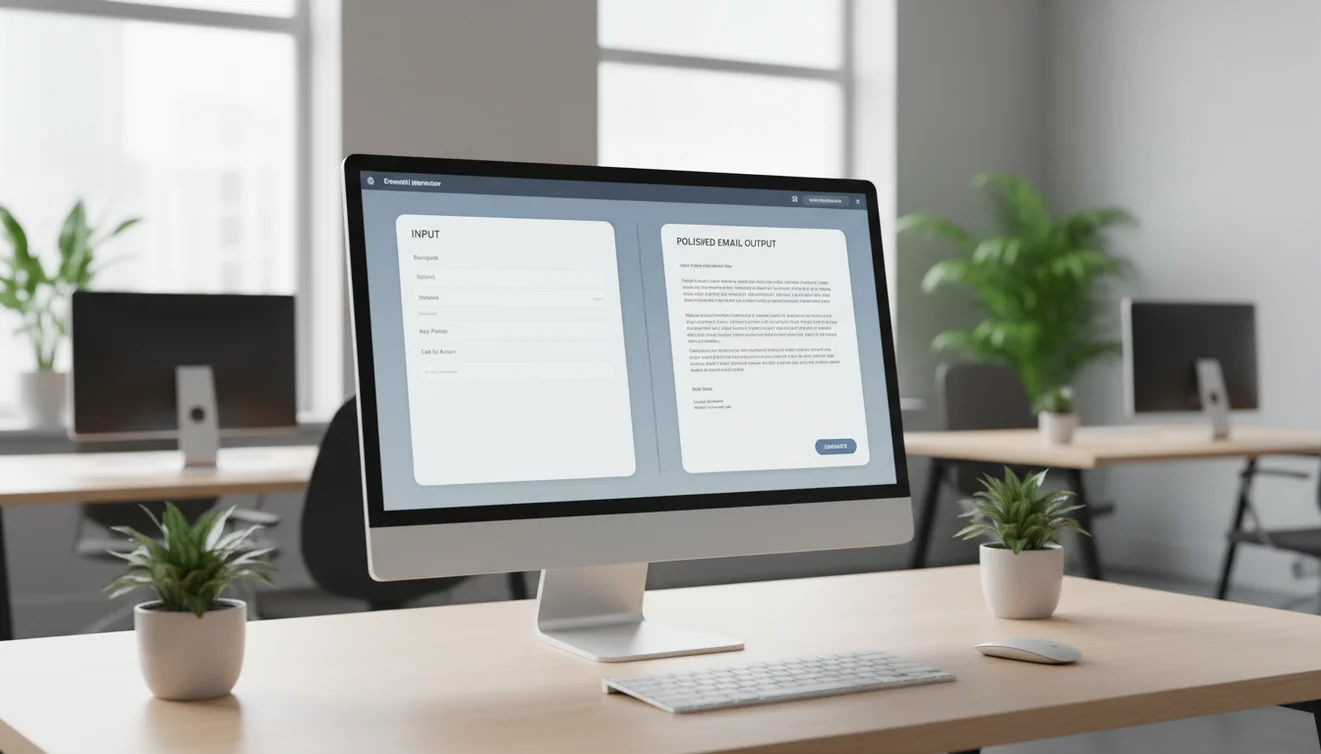
Why business email writing is harder than it looks
Business email carries weight that casual communication does not. When you email a client, you represent your company. When you email a partner, you shape a commercial relationship. When you email your team, you set expectations and culture. Every business email is simultaneously a communication tool and a record that can be forwarded, quoted, and referenced later.
This weight makes business email writing surprisingly stressful. You want to be clear but not blunt. Professional but not stiff. Direct but not aggressive. Friendly but not unprofessional. These simultaneous constraints create a tension that slows down even experienced communicators, especially when the stakes are high or the recipient relationship is sensitive.
A business email generator helps because it produces drafts that already balance these constraints according to well-established professional communication patterns. The model has processed millions of effective business emails and can produce output that feels appropriate for the context. Your job shifts from creating the message to reviewing and personalizing it, which is a fundamentally easier cognitive task.
Types of business emails where AI generation shines
Client updates are the most common high-value use case. These emails need to be informative, professional, and appropriately detailed. They follow a predictable structure: current status, what was accomplished, what is coming next, and any items that need client attention. An AI generator handles this structure consistently and lets you focus on accuracy of the specific details.
Internal team communication is another strong category. Status reports, handover emails, meeting summaries, and project announcements all follow patterns that AI handles well. The benefit for internal communication is reduced time spent on emails that rarely need to be perfect but do need to be clear and complete.
Vendor and partner correspondence often involves negotiation dynamics where phrasing matters. An AI generator can produce diplomatically worded responses that maintain your position without being adversarial. This is particularly useful for payment discussions, scope negotiations, and deadline adjustments where the tone directly affects the outcome.
Implementing a business email generator for teams
Team implementation works best when you start with a specific email category rather than trying to automate all business email at once. Choose the category that consumes the most collective time, usually client updates or internal reports, and build the workflow around that.
Create shared prompt templates for the chosen category. Each template should specify the standard structure, approved tone, mandatory information fields, and content constraints. For example, a client update template might require: project name, current milestone, completion percentage, next milestone, and any client action needed. With these fields defined, any team member can generate a consistent, high-quality draft.
Establish a review standard. Who reviews before sending? What constitutes an acceptable draft versus one that needs rework? For routine emails, self-review may be sufficient. For client-facing or high-stakes communication, a peer review or manager review step adds a safety layer without significantly slowing the process.
Once the first category is working smoothly, expand to the next highest-value email type. This incremental approach builds team confidence and produces measurable results that justify the ongoing use of the tool.
Quality control for AI-generated business emails
Every AI-generated business email must pass through a human quality check before sending. This is not a suggestion or a liability disclaimer. It is a practical necessity because AI models produce plausible text that may contain errors invisible at a glance.
The quality check should cover five areas. Factual accuracy: are all numbers, dates, names, and claims correct? Commitment check: does the email promise anything you have not authorized? Tone alignment: does the email match the relationship and situation? Completeness: are all necessary points covered? Sensitivity check: could any phrase be misinterpreted, especially across cultures or by someone unfamiliar with the context?
For teams, create a lightweight checklist that maps to these five areas. Having a physical or digital checklist prevents the common tendency to skip review when time pressure is high. The checklist takes under a minute to complete and prevents the types of errors that damage professional credibility.
Business email structure that AI generates well
AI generators produce the strongest output when the desired structure aligns with standard business communication patterns. The most effective structure for business email is the inverted pyramid: most important information first, supporting details second, background context third.
This structure works because busy recipients scan rather than read. If the key point is in the third paragraph, many recipients will miss it. If it is in the first sentence, they get the information they need even if they stop reading early. AI generators default to this structure when given a clear purpose, which is one of the reasons the output requires less editing than you might expect.
For longer business emails, use clear headings or topic sentences at the start of each paragraph. For emails with multiple items, use numbered lists. For emails that require a decision, present the options clearly with a recommendation. These formatting choices are not about aesthetics. They are about the reader's ability to process and act on your message efficiently.
Measuring the business impact of AI email generation
The primary metric is time saved per email multiplied by email volume. If your team sends 200 business emails per week and each email takes 5 minutes less to draft with AI assistance, that is over 16 hours per week returned to higher-value work. At typical professional salary rates, this represents substantial cost savings.
Secondary metrics include response rates and response time. If client response rates improve after implementing AI-generated emails, that suggests the output quality is higher than what was being produced manually. If internal communication becomes more efficient with fewer clarification emails needed, that indicates structural improvement.
Qualitative feedback matters too. Ask recipients whether communication quality has improved. Ask team members whether email feels less burdensome. These subjective measures capture improvements that pure time-tracking misses. The best implementations show gains across all three dimensions: time savings, quality improvement, and satisfaction increase.
Security and compliance considerations for business email generation
Business email often contains commercially sensitive information: pricing discussions, strategy details, financial data, and personnel matters. Any AI tool that processes this content introduces a data handling consideration that must be evaluated against your organization's security requirements.
For most business email use cases, the risk is manageable. The content you input for generation, such as the email goal, context, and tone preference, does not typically include the most sensitive details. You add those during the review phase after generation. This workflow naturally limits data exposure without requiring special configuration.
For organizations with strict compliance requirements like HIPAA, SOC 2, or GDPR, evaluate the AI provider data processing agreements before adoption. Check whether inputs are stored, whether they are used for model training, and in which geographic regions processing occurs. FlyMail does not store email content after generation and processes through the OpenAI API, which has its own data handling policies that should be reviewed for compliance alignment.