
Job Application Email Generator for Honest, Better Outreach
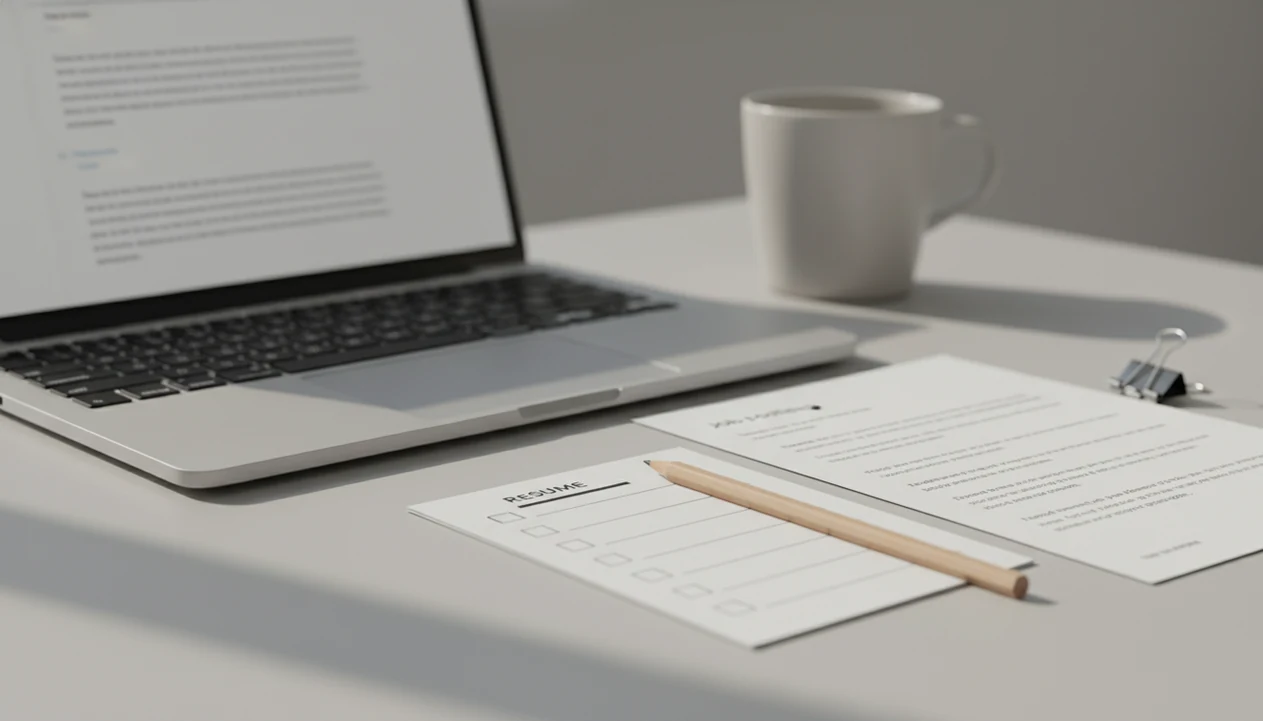
A job application email generator helps you turn real role details, resume facts, and hiring context into a clear email you can review, edit, and send. The best use is drafting faster while keeping every claim accurate, specific, and verifiable.
> FlyMail is a job application email generator inside an AI email writer: it turns role details, resume facts, recruiter context, and tone preferences into a ready-to-edit application email, follow-up, referral request, or recruiter reply.
- Use application email AI to structure your message, not to invent experience.
- A strong job email includes a subject line, short intro, relevant proof points, attachment note, and polite call to action.
- Review every AI draft for names, dates, job title, tone, and claims before sending.
Job Application Email Generator Definition and At-a-Glance Use Cases
A job application email generator is an AI tool that creates a ready-to-edit application email from details you provide. It helps with speed, structure, and clarity, but it should not create qualifications you do not have.
People also search for this workflow as application email AI, a job email writer, or a recruiter email generator. The practical job is the same: paste real context, choose the email type, then polish before sending.
| Use case | What it drafts |
|---|---|
| First application | Short email to accompany a resume or application |
| Recruiter outreach | Intro note asking about a role or fit |
| Follow-up | Polite check-in after applying or speaking |
| Referral request | Message asking a contact to refer you |
| Reply to recruiter | Clear answer about interest, timing, or availability |
A cover letter pasted into the email body still needs your own proof points.
How a Job Application Email Generator Works Behind the Draft
A job application email generator works by turning inputs into a predicted email structure. You give it the role, company, recipient, background, tone, constraints, and length, and the model predicts useful wording.
The system uses language patterns to assemble a subject line, greeting, intro, proof points, attachment note, and closing. In plain terms, it guesses the next helpful sentence based on your instructions. It does not verify your resume, confirm the job posting, or know whether a certification is real. For risk context, NIST describes generative AI outputs as vulnerable to confabulation and inaccuracy, which is why job-search drafts need human verification source.
AI writing support is now common enough that job seekers should learn to use it carefully. Pew Research found that 28% of U.S. adults had ever used ChatGPT as of January 2025 source. Microsoft also reported that 75% of knowledge workers globally used AI at work in 2024 source.
Useful, not automatic.
Requirements Before Using Application Email AI
Application email AI works better when you collect facts before opening the draft box. The cleanest inputs are verified details, not hopes, guesses, or “make me sound senior” instructions.
- Role basics: include the job title, company name, role link, and where you found the posting.
- Recipient details: add the hiring manager or recruiter name if you have it.
- Proof points: list relevant skills, projects, metrics, resume links, and portfolio links.
- Logistics: include attachment names, location, availability, work authorization if relevant, and deadline.
- Safety constraint: add, “Do not include claims I cannot verify.”
Separate facts from preferences. “I managed invoice reminders for 40 clients” is different from “I want a finance operations role.” If you already use an invoice reminder email generator, that same habit applies here: name the task, add the context, and keep the claim checkable.
How to Use a Job Application Email Generator
Use a job application email generator as a drafting workflow, not a send-without-reading shortcut. The strongest emails come from paste, choose, refine, then human review.
- Add the role, company, recipient, and where you found the opportunity.
- Enter only true qualifications, resume facts, links, and attachment names.
- Choose the tone, length, and email type, such as first application, recruiter reply, or follow-up.
- Review the draft for accuracy, specific proof points, and a clear next action.
- Send or save the email only after final human edits.
For job seekers, a structured AI draft is often faster than starting from a blank page because it creates the email frame before you refine the facts. Tools like [FlyMail]() can help with that frame, but the final judgment still belongs to the sender.
Step 1: Set Real Inputs for the Job Email Writer
What should I paste into a job email writer? Paste the job title, company, recipient, role link, two or three relevant qualifications, and the next step you want.
Specific inputs reduce generic wording. If you only write “apply for marketing job,” you will usually get a bland note. If you add “Lifecycle Marketing Manager, Acme Health, referred by Maya Lee, three years in email retention,” the draft has something real to work with.
Sample prompt: “Write a concise application email for the Lifecycle Marketing Manager role at Acme Health. Recipient: Jordan Patel. Mention my three years managing retention campaigns, my resume attachment named Alex-Rivera-Resume.pdf, and ask whether they need any additional materials. Do not include unverifiable claims.”
Do not ask the tool to exaggerate seniority, results, certifications, or employment history. That awkward pause before tapping Send is usually a warning.
Step 2: Choose the Right Recruiter Email Generator Format
A recruiter email generator should match the situation, because each format has a different purpose, length, and call to action. A first application is not the same as a recruiter reply.
| Email type | Purpose | Key detail | Best closing |
|---|---|---|---|
| First-touch application | Apply for a posted role | Role title and resume attachment | “I’d welcome the chance to discuss fit.” |
| Recruiter outreach | Ask about a role or opening | Relevant background in one line | “Would it make sense to connect?” |
| Follow-up email | Check status politely | Prior application or conversation | “I’m still interested and happy to share more.” |
| Referral request | Ask for an introduction | Relationship and target role | “No pressure if the timing isn’t right.” |
| Recruiter reply | Answer a recruiter’s message | Availability, interest, constraints | “Here are a few times that work.” |
A follow-up should reference the previous application or conversation instead of repeating the full pitch. The same format logic applies to support or client messages, where an app to help me reply to customer complaints should not sound like a sales email.
Step 3: Review the Application Email AI Draft Before Sending
Application email AI can create polished wording that still contains wrong details. Review the draft like a hiring manager might read it, line by line. Before sending, open the attachment once, tap every link, and read the email on the same small screen where a recruiter may first see it.
- Truth: verify the recipient name, company name, role title, dates, attachments, links, and claims.
- Relevance: replace vague claims with resume-backed proof points tied to the role.
- Brevity: remove filler, repeated enthusiasm, and long background summaries.
- Tone: check that the message sounds professional without becoming stiff.
- Next action: make sure the close asks for a realistic next step.
A tense paragraph rewritten into calm wording can be useful, but too much polish can flatten your voice. For job applications, specific proof usually works better than broad confidence because the reader can connect it to the role. Apps such as Fly Mail, Grammarly, and ChatGPT can help draft from notes, not verify your career history.
Common Myths About Job Application Email Generators
Job application email generators are useful, but several myths lead to weak or risky emails. Treat the tool as a draft partner, not a career facts engine.
- Myth 1: It replaces a resume or cover letter. It usually drafts the email that accompanies those materials.
- Myth 2: AI-generated job emails are automatically accurate. The sender must still verify names, dates, links, and claims.
- Myth 3: One-line prompts create stronger results. Better drafts come from role details, constraints, tone, and proof points.
- Myth 4: These tools are only for formal applications. They also help with recruiter replies, referral requests, and follow-ups.
- Myth 5: More polished wording always sounds more credible. Overly smooth language can sound detached from the person applying.
FlyMail, Grammarly, and ChatGPT can all improve structure and tone; none of them can confirm that your resume metric, referral name, or attachment file is correct.
Common Mistakes When Using a Job Application Email Generator
The most common mistakes are accuracy gaps, invented details, and using the same draft style for every hiring situation. A job email generator is safest when you treat it like a first draft that still needs your eyes, judgment, and facts.
- Check the basics before sending: recipient name, company, role title, attachment file, links, and any spelling that could signal a careless copy-paste.
- Refuse invented proof. Do not ask AI to create seniority, metrics, certifications, employer knowledge, or “insider” language you cannot back up in an interview.
- Match the prompt to the moment. A first application, follow-up, referral request, and recruiter reply need different context and different closings.
- Keep your voice in the final version. If the draft sounds smoother than anything you would say, simplify it until it feels professional but still yours.
- Follow employer instructions first. If the posting says to apply through a portal, use the portal instead of trying to bypass the process with a direct email.
The quick test is simple: would you be comfortable explaining every sentence to a recruiter on a call?
Limitations
A job application email generator has real limits, especially when the message affects hiring decisions. Use it for structure, then slow down for verification.
- It cannot verify whether resume facts, certifications, dates, or achievements are true.
- It can amplify inaccurate user input if you paste a wrong title, employer, or metric.
- It can produce generic phrasing that sounds less personal than a human-edited note.
- It cannot fully understand hiring manager preferences, company culture, or unwritten norms.
- It does not replace a tailored resume, portfolio, application form, or cover letter when required.
- It still requires manual review for tone, accuracy, claims, links, attachments, and fit.
- It may make a thin application sound polished without making it more relevant.
The tiny phone-screen problem is real too: you can lose the original email while rewriting the reply. Save the draft, reopen the job post, and check the details before sending.
Read more
FAQ
What is a job application email?
A job application email is the message sent to apply for a role or accompany materials such as a resume, cover letter, portfolio, or application link. It usually introduces the applicant, names the role, and explains what is attached or linked.
Can AI write application emails for me?
Yes, AI can draft application emails from role details, resume facts, and tone preferences. You still need to verify and edit the message before sending.
Is using AI for a job application email dishonest?
Using AI is not dishonest when the email remains truthful, accurate, and reviewed by you. It becomes risky when it invents achievements, credentials, or experience.
What should a job application email subject line say?
A simple subject line can use the role title, your name, and the purpose. Examples include “Application for Product Analyst, Maya Chen” or “Resume for Customer Success Manager Role.”
Should I attach my resume to a job application email?
Attach your resume when the posting or recipient asks for it, and mention the file name in the email. If the employer requires an application portal, follow that instruction first.
How long should a job application email be?
A job application email should usually be a few short paragraphs. Aim for a clear intro, one or two proof points, an attachment note, and a polite close.
Can AI write replies to recruiters?
Yes, AI can draft recruiter replies that confirm interest, availability, salary constraints, location, or next steps. Recruiter replies should answer the recruiter’s message directly rather than repeat a full application pitch.
Should I follow up after sending a job application email?
A polite follow-up is reasonable if the posting or recruiter did not provide a different timeline. Keep it brief, reference the prior application, and restate interest without pressuring the recipient.