

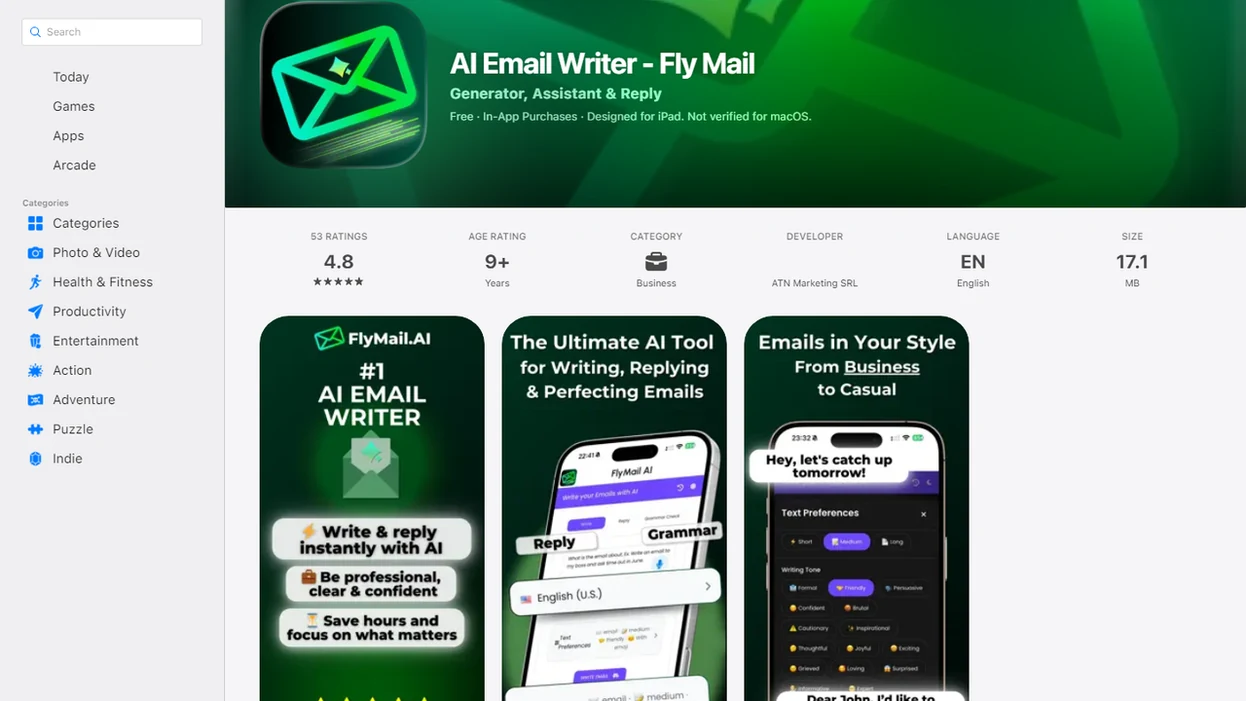
Definition: FlyMail is an AI email writer that generates structured, tone-controlled emails in 18 languages from a short natural-language description of your goal, recipient, and context.
At a Glance: FlyMail Multilingual Email Writer Key Facts
- 18 supported languages: FlyMail can generate multilingual email drafts for professional, job search, freelance, and support situations.
- Tone controls per language: Users can choose formal, friendly, concise, or other tones before generating the message.
- Full email structure: Each draft can include a subject, greeting, body, and sign-off, not just translated sentences.
- Built for non-native English speakers: You can describe the goal in simple wording, then polish before sending.
- Web and mobile access: FlyMail supports desk work and mobile-first workflows when you need to reply quickly.
When a client update is written between calls, the structure matters as much as the vocabulary. A multilingual AI email writer should produce a complete message, not leave you assembling fragments in another tab.
If your priority is clear cross-language email without prompt writing, FlyMail fits because the workflow asks for recipient, goal, context, tone, and target language before drafting.
How the FlyMail Multilingual AI Email Writer Works
FlyMail uses GPT-4o-mini under the hood, combined with a structured prompting framework for email-specific output. Instead of asking you to invent a prompt, it collects the recipient, goal, context, tone, target language, and any constraints.
The important detail is generation, not just post-hoc translation. Fly Mail can take a short description in one language and generate a new email in the target language with the right structure and tone. That means a formal Spanish invoice reminder and a friendly German teammate note are treated as different writing tasks, not the same text run through a translator.
Small fields do real work here.
We test this most often with rough notes, like copying three bullets from Apple Notes into a draft box before a meeting starts. The model turns those notes into a send-ready draft, but it still needs human review for names, numbers, attachments, and intent.
Good AI email writing delivers structured drafts, tone control, and reviewable wording, not automatic communication without judgment.
How to Use FlyMail to Draft and Translate Email with AI
Use FlyMail by giving the email goal first, then choosing the target language and tone before generating the draft. The workflow is built for paste, choose, refine, not prompt-engineering.
- Describe your goal in one or two sentences, in any language you are comfortable using.
- Select the target language from the 18 available language options.
- Choose a tone, such as formal, friendly, concise, persuasive, or empathetic.
- Generate the full draft with subject line, greeting, body, and sign-off.
- Review facts, names, dates, attachments, and commitments before sending.
- Copy the draft into your email client or send from mobile after your final tone check.
The mobile part matters when you are thumb-typing a client reply while standing in a grocery checkout line. Losing the original email while rewriting the reply is a real phone-screen problem, so keeping the workflow compact reduces mistakes.
For non-native speakers who need a fast English business reply, FlyMail is often easier than a blank document because it turns intent into a structured draft before the final human review.
When Non-Native English Speakers Need a Multilingual AI Email Writer
Non-native English speakers need a multilingual AI email writer when the stakes are higher than casual translation. Client outreach, corporate threads, job applications, freelancer invoices, and networking replies all require tone, context, and structure.
Eurostat reported that 39.4% of EU working-age adults use at least one foreign language at work (https://ec.europa.eu/eurostat/statistics-explained/). The OECD also reports that about 23% of residents in OECD countries are immigrants or native-born people with immigrant parents (https://www.oecd.org/migration/). That is a large group writing across language boundaries every week.
The awkward pause before tapping Send is familiar.
An immigrant professional may understand an English-only corporate thread but still want help sounding calm, direct, and not too blunt. A job seeker may need a recruiter reply that respects English hiring norms. A freelancer may need a polite cross-border follow-up for an overdue invoice.
When language anxiety is the issue, FlyMail earns the spot because it lets users explain the message in plain wording, then choose the language and tone before generating a complete email.
Ready to start your quit?
The FlyMail multilingual email writer drafts, translates, and polishes professional emails across 18 languages so non-native English speakers and global teams can communicate…
What FlyMail Multilingual Emails Look Like in Practice
FlyMail multilingual output is easiest to understand through examples: the user gives intent, then receives a complete draft with subject, greeting, body, and sign-off. The tone-plus-language pairing changes the result.
Plain-Language Input to Formal English Output
Input in Portuguese: “Diga ao cliente que terminei a primeira versão, anexei o arquivo, e quero feedback até sexta.” Output in formal English: Subject: First Draft Attached for Your Review Greeting: Dear Ana, Body: I have attached the first version of the project for your review. Please share any feedback by Friday so I can make the next round of revisions on schedule. Sign-off: Best regards,
English Instruction to Friendly German Draft
Input: “Tell my colleague I moved our check-in to Thursday and ask if the new time works.” Output: Betreff: Neuer Termin für unser Check-in Hallo Lukas, ich habe unser Check-in auf Donnerstag verschoben. Passt dir der neue Termin? Viele Grüße,
Professional users looking for multilingual tone control can pair FlyMail with the FlyMail email tone changer when a draft sounds too cold.
FlyMail Multilingual Email Writer vs Generic Translation Tools
Generic translation tools convert text from one language to another; FlyMail generates context-aware emails with structure, tone, and intent. That difference matters when the message needs to sound professional, not merely understandable.
| Need | Generic translation tools | FlyMail multilingual email writer |
|---|---|---|
| Email structure | Translates supplied text only | Creates subject, greeting, body, and sign-off |
| Tone control | Often limited or separate | Combines tone and target language per draft |
| Context | Depends on original wording | Uses recipient, goal, context, and constraints |
| Workflow | Copy text between tools | Draft, review, and send from one flow |
| Professional use | Useful for sentence meaning | Better for client, job, support, and follow-up emails |
A global executive survey found that 89% consider a common corporate language critical, yet language barriers still slow collaboration. ChatGPT, Grammarly, and Copy.ai can help with writing, but they often require more setup for email-specific multilingual structure.
For freelancers who need invoice follow-ups across borders, FlyMail handles the job because the draft begins with the business goal, not a raw block of text to translate.
Global AI Email Adoption and Multilingual Communication Demand
AI-assisted email writing is becoming normal at work, and multilingual teams make the need more practical. In 2023, 22% of workers worldwide reported using AI in their work, and another 50% were open to using it, according to BCG research (https://www.bcg.com/publications/2023/what-people-are-saying-about-ai-at-work). Among U.S. adults who had heard of ChatGPT, Pew Research Center found that 20% had used it for tasks at work, including writing and editing (https://www.pewresearch.org/). That does not mean every AI-written email is ready to send; it means more people are becoming comfortable using AI for first drafts, rewrites, and tone checks.
The inbox labels tell the story: “Follow up Monday,” “Invoice reminder,” “Recruiter reply.”
Global teams already work across language gaps. A non-native English email writer becomes useful when it reduces drafting time while keeping the sender responsible for facts, privacy, and the final wording.
Related FlyMail Email Writing Features
The multilingual workflow also supports replies, rewrites, tone changes, subject lines, and mobile email drafting on iOS and Android.
For incoming messages, AI email reply generation helps users reply with context instead of starting from a blank screen. For rough drafts, the email rewrite tool can tighten the ask, remove awkward phrasing, or make a tense paragraph sound calmer. Subject line options are also useful when the body is clear but the email still needs a precise opening line; the subject line generator handles that part.
Job seekers can use professional templates for recruiter replies, applications, and interview thank-you notes. Freelancers can use follow-up and invoice reminder structures when the message needs to be polite but firm.
Limitations
FlyMail is a drafting aid, not a send-without-reading system. Multilingual email still needs human review, especially when the message affects money, hiring, legal obligations, or customer trust.
- AI can produce incorrect details, so every email must be checked before sending.
- Local idioms, legal phrasing, and industry-specific jargon may not be captured correctly.
- Cloud-based model access depends on internet connectivity, which may not suit highly regulated environments.
- Cultural nuance can be missed, including levels of directness, honorifics, and etiquette expectations.
- Vague prompts produce weaker drafts; “reply politely” gives less useful output than a clear goal and deadline.
- Sensitive emails may need review from a native speaker, manager, lawyer, HR professional, or compliance owner.
- Competitors such as chatgpt.com, grammarly.com, Jasper, or boss ai email may fit teams that need broader writing suites rather than email-first workflows.
Use the draft as a strong starting point. Then check the original thread, attachment names, dates, and any promise you are about to make.