
Tool That Can Create Subject Lines and Emails
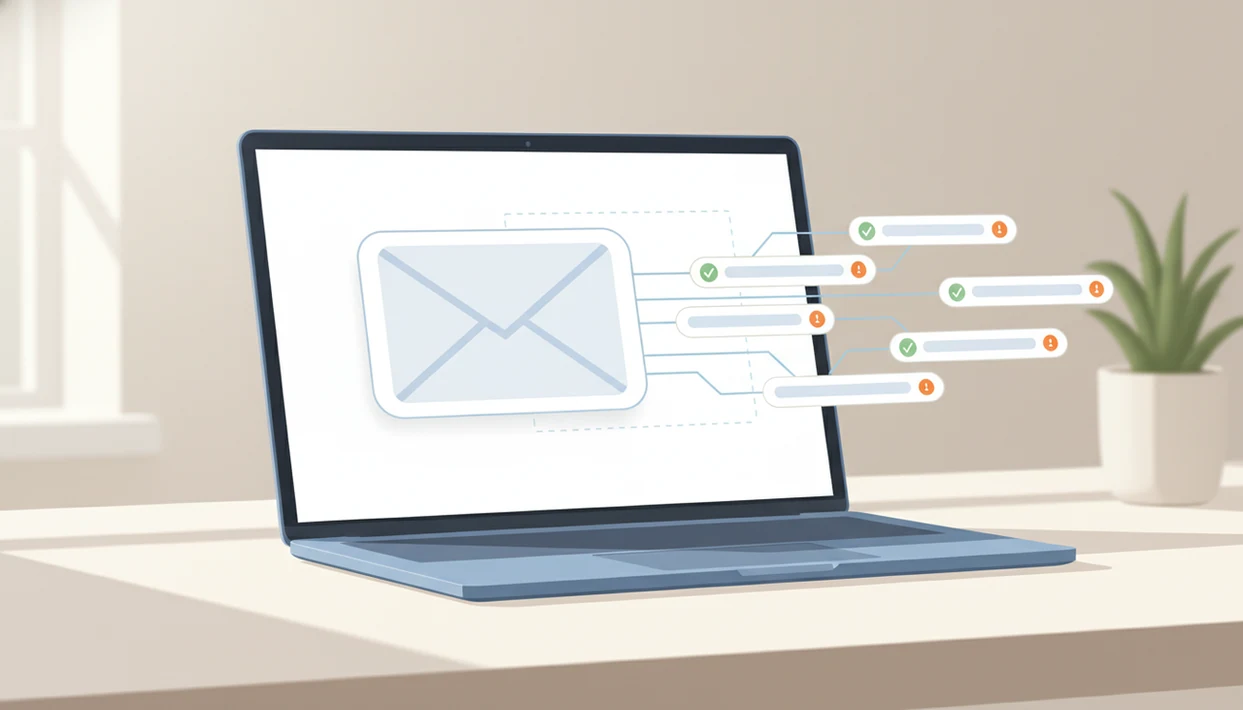
A tool that can create subject lines should generate accurate, tone-matched subject options from the actual email content, then let you review them for clarity, deliverability, and clickbait risk before sending. The better choice is often an AI email writer that drafts the email body and subject together, so the subject line does not overpromise what the message contains.
Definition: An AI subject line tool is an email assistant that turns a prompt, draft, or full email into multiple subject line ideas matched to audience, tone, and message intent.
TL;DR
- Use an AI subject line tool when you need fast subject line ideas, but always check that the subject accurately reflects the email body.
- An integrated AI email writer can draft the email body and subject together, which helps keep the subject line aligned with the actual message.
- Avoid deceptive urgency, fake “RE:” or “FW:” prefixes, and vague clickbait because short-term opens can increase spam complaints and unsubscribes.
What a Tool That Can Create Subject Lines Should Do
A tool that turns email context into usable subject line options should read the message goal, recipient, tone, and body content before suggesting anything. An AI subject line tool should not behave like a random headline spinner.
Good tools ask what you’re sending, who will read it, and what action you want next. That difference matters when the email is a recruiter reply, an invoice reminder, a customer update, or a “Follow up Monday” note. The subject should tighten the ask, not decorate it.
People search for this category as an email subject generator, AI subject line tool, or a place to get subject line ideas. The useful version connects subject and body so the inbox line stays honest instead of turning into a detached slogan.
The pocket check is real.
How an AI Subject Line Tool Works
An AI subject line tool works by taking a prompt or pasted email, then using the recipient, goal, tone, and constraints to predict natural subject line options. The model uses semantic meaning, message intent, and tone cues. In plain English, it looks for what the email is really about and how it should sound.
If you paste three rough bullets from Apple Notes before a meeting starts, the tool can turn them into a subject like “Agenda notes for today’s partner call.” If you only type “write a good subject,” it has to guess.
The model does not truly know your past campaign performance, deliverability rules, legal risk, or brand voice unless you provide that context. Generating the subject and email body together usually improves alignment because both parts come from the same message goal. An AI email writer and email generator for drafting, replying, and refining professional and personal emails on web and mobile should deliver send-ready drafts, not send-without-reading decisions.
Five Facts About AI Subject Line Tools and Email Subject Generators
- Modern AI subject line tools use large language models, natural language processing, and user inputs to generate subject line ideas quickly.
- Results improve when the user provides the audience, message goal, desired tone, and full email content.
- Human review is still required for accuracy, brand voice, non-clickbait wording, and sensitive context.
- A/B testing and engagement monitoring are better evidence than guessing which subject line will perform.
- Integrated AI email writers can draft the full email and subject line together for stronger alignment.
For busy senders, subject generation works best when it starts with the actual message instead of a detached slogan. We see this most clearly on mobile, where losing the original email while rewriting the reply makes it easy to miss the point.
A useful subject line is a label with intent, not a trick to force an open.
Before You Use an AI Subject Line Tool
Before you use an AI subject line tool, prepare the context you would want the subject line to reflect. A few minutes of setup prevents generic, overconfident, or unsafe suggestions.
- Gather the email body or rough notes, the audience, your relationship to the reader, any deadline, and the exact next action you want. “Review the attached draft by Friday” gives the tool a clearer target than “make this sound good.”
- Remove anything the tool does not need to see, especially private, regulated, or sensitive details. Replace account numbers, health details, legal specifics, customer names, and internal figures with neutral placeholders when they are not required for the subject.
- Choose the goal before generating options. A subject built for clarity may look different from one built for replies, clicks, or compliance-safe wording.
- Prepare two or three examples of your preferred brand voice for repeat email types. A client update, invoice reminder, and support reply give the model a better pattern than a single tone label like “professional.”
This setup keeps the subject tied to the real message instead of asking the tool to guess from thin context.
How to Use a Tool That Can Create Subject Lines
Use a subject line tool by giving it the same context you would give a careful coworker. The faster workflow is paste, choose, refine, then polish before sending.
- Paste the email body, a short summary, or the rough notes you want to turn into a message.
- Set the recipient type, relationship, tone, deadline, and desired action.
- Generate several subject line options instead of accepting the first one.
- Compare each subject against the email body and remove anything vague, inflated, or misleading.
- Edit the strongest option so it sounds like you, your team, or your brand.
- Test or save results when the audience size supports comparison.
In the same workflow, FlyMail can generate the body and subject line together, then help you revise the tone. For a message that sounds too blunt, the FlyMail email tone changer can help soften the wording before the subject is finalized.
Best Inputs for Accurate Subject Line Ideas
What should you put into an email subject generator? Provide the recipient type, relationship, message goal, offer or request, deadline, tone, and email body. More context reduces vague or clickbait-style results.
A weak prompt asks for “a catchy subject line.” A strong prompt says, “Write five concise subject lines for a friendly follow-up to a freelance client who has not approved final files.” That gives the tool a job, not a guessing game.
Weak prompt example
“Make a subject line for my email.”
That might produce “Important update” or “Quick question,” which could fit almost anything. We’ve seen those options appear when the actual message was a calendar hold confirmed with a client.
Strong prompt example
“Create five professional subject lines for a job application email to a hiring manager. The resume PDF is attached, and the tone should be confident but not pushy.”
For job search, support, freelance, personal, and professional emails, the strongest inputs name the reader and the next step.
Subject Line Quality Checks Before Sending an Email
A subject line quality check should confirm that the subject accurately represents the email body, fits the relationship, and avoids deceptive urgency. It is a tone check and a truth check.
Use this quick review before sending:
- Match the subject to the actual email body.
- Remove fake urgency, inflated claims, and spam-trigger wording.
- Avoid deceptive “RE:” or “FW:” prefixes unless the message is truly a reply or forward.
- Check whether the tone fits a board member, client, recruiter, customer, or friend.
- Read the subject beside the first sentence of the email.
Research involving more than 5 million emails found that adding “RE:” or “FW:” increased opens in the short term but raised spam complaints and unsubscribes. Another Marketing Science experiment reported that subjects aligned with content and brand voice reduced unsubscribes by about 15% compared with more provocative or incongruent subjects.
Aligned subject lines usually protect trust better than provocative subject lines because the reader gets what the inbox promised.
Common Mistakes When Using an Email Subject Generator
The most common mistake is treating an email subject generator like a shortcut around judgment. It can speed up options, but it still needs the real message, honest constraints, and a final human read.
Use this troubleshooting pass when a generated subject feels catchy but slightly off:
- Start with the actual email body or a faithful draft, not a bare prompt like “make this irresistible.” Without the message, the tool may write a headline for an email you never send.
- Reject urgency that is not real. “Last chance” or “Need this today” may sound clickable, but it trains readers to distrust your inbox name.
- Compare the promise against the email. If the subject says the reader will get a discount, answer, file, or decision, the body should deliver it clearly.
- Measure more than opens when testing. Replies, clicks, complaints, unsubscribes, and conversion quality show whether the subject helped or annoyed people.
- Avoid reusing generic lines like “Quick question” across unrelated messages. They may feel convenient, but they blur context and make later threads harder to scan.
A good subject should feel boringly accurate before it feels clever.
AI Subject Line Tool Testing and Performance Evidence
No email subject generator can guarantee higher opens for every list. Audience quality, timing, sender reputation, offer relevance, and previous trust all affect results.
A/B testing is the practical way to compare subject options when you have enough recipients. Mailchimp describes subject-line A/B testing as a way to compare open, click, and engagement outcomes rather than relying on guesses (https://mailchimp.com/resources/ab-testing-email-marketing/). For compliance risk, the FTC says commercial email subject lines must not be deceptive or misleading (https://www.ftc.gov/business-guidance/resources/can-spam-act-compliance-guide-business).
That does not mean every test wins. It means guessing is weaker than measuring.
Look beyond opens. Track replies, clicks, spam complaints, unsubscribes, and conversion quality. A subject that wins the open but attracts angry replies is not a good result. We notice this in support queues when an angry customer message sits on split screen beside a draft that needs calm, not a flashy hook.
Common Myths About Email Subject Generators
Email subject generators are useful, but several myths lead people to use them poorly. The tool can suggest language; it cannot remove the need for judgment.
| Myth | Reality |
|---|---|
| AI subject line tools guarantee higher open rates. | They provide options, but list quality, timing, sender trust, and testing decide performance. |
| AI subject line generators always create clickbait. | Clear constraints can steer outputs toward plain, accurate wording. |
| AI tools understand brand voice automatically. | They need examples, tone instructions, and human editing. |
| Subject line tools are only for marketing campaigns. | They also help with job outreach, client follow-ups, support replies, and personal emails. |
The awkward pause before tapping Send usually happens when the subject and message do not feel aligned. For that problem, a FlyMail email rewrite tool can help refine the body first, then the subject can follow the real message.
For everyday senders, generating the email body before the subject is often easier because the subject can summarize a finished thought.
Limitations
AI subject line tools can save time, but they still have clear limits. Treat the output as a draft from notes, not a final approval.
- AI can hallucinate, exaggerate, or overpromise when the prompt is thin.
- The tool may not know brand voice unless you provide examples or tone instructions.
- The tool may suggest spammy wording unless you review it before sending.
- It cannot guarantee open-rate lifts across every audience or campaign.
- It cannot replace legal, compliance, or deliverability review for regulated or high-volume email.
- Broadly trained models often produce generic wording that needs audience-specific editing.
- Multilingual subject lines still need cultural and language review, especially for formal messages.
- Private or sensitive details should be minimized before pasting into any drafting tool.
For global teams, a FlyMail multilingual email writer can help draft across languages, but human review still matters for tone and local meaning.
FAQ
What creates email subject lines?
AI subject line tools, email generators, and integrated AI email writers can create subject lines from prompts, notes, or completed drafts. Some tools create only the subject, while others draft the subject and email body together.
Are AI subject lines accurate?
AI subject lines can be accurate when they are based on the actual email body and clear context. They still need human review for facts, tone, brand voice, and misleading wording.
Can AI subject lines be clickbait?
Yes, poor prompts can produce clickbait-style subject lines. Clear instructions, accurate email content, and review reduce that risk.
What is an email subject generator?
An email subject generator is a tool that produces subject line options from a prompt, summary, or email draft. It is often used to create several choices quickly before editing.
How many subject lines should I test?
Test a small number of meaningfully different subject lines when your audience size supports A/B testing. Two to four options is usually more useful than many tiny variations.
Do subject line testers work?
Subject line testers can flag length, spammy wording, and clarity issues. Real audience results, replies, clicks, complaints, and unsubscribes are more reliable than a score alone.
What makes a good subject line?
A good subject line is clear, accurate, specific enough to be useful, and matched to the recipient relationship. It avoids deceptive urgency, fake reply prefixes, and promises the email does not keep.
Can an AI email writer create subject lines and full emails?
Yes. An integrated AI email writer such as FlyMail can help draft subject lines along with complete emails, replies, and rewrites. It works best when you provide the message goal, audience, tone, and email content.