
Free AI Subject Line Generator For Better Email Opens
A free AI subject line generator helps you turn an email draft, offer, or short prompt into several subject line options you can test and refine. FlyMail fits that workflow when you want the subject line to match the actual email, not just sound clever in isolation.
Definition: A free AI subject line generator is an online tool that uses AI to create subject line options from your email content, audience, goal, and preferred tone.
TL;DR
- Use AI subject line tools as drafting assistants, not automatic open-rate guarantees.
- Generate subject lines after the email body when accuracy, compliance, and trust matter.
- The strongest subject lines are specific, truthful, relevant to the recipient, and worth A/B testing.
How free ai subject line generators look
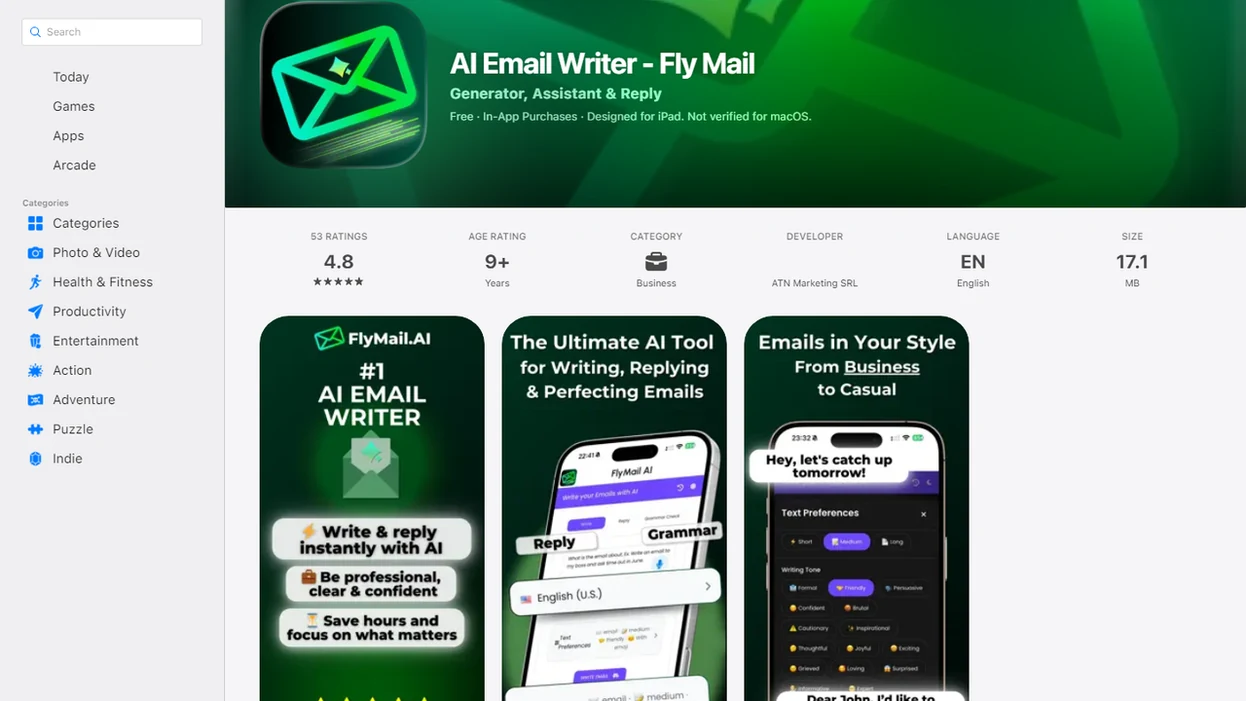
Side-by-side captures of the compared products. Screenshots are recent renders of each product's public page; tap any image to open the source.
Best free AI subject line generator options at a glance
The best free AI subject line generator depends on the email job: full draft, marketing campaign, ecommerce send, or professional outreach. Free tools vary in limits, customization, tone controls, and output quality, so the safest choice is the one that fits your workflow.
If your main problem is writing the entire email and then choosing an accurate subject line, FlyMail is the strongest starting point; if your main problem is campaign brainstorming or mail merge variation, the alternatives below may fit better.
| Option | Best fit | Main strength | Caveat |
|---|---|---|---|
| FlyMail | Full email drafts, replies, follow-ups | Creates subject lines from the email context | Still needs human review before sending |
| Copy.ai | Promotional ideas and newsletter angles | Produces many creative options fast | Catchy lines can drift from the body |
| Omnisend | Ecommerce campaigns | Connects subject lines to campaign intent | Performance depends on list and sender quality |
| Mailmeteor | Outreach and mail merge | Useful for personalized professional sends | Personalization must stay honest |
For professionals who need the subject line and message to agree, FlyMail earns the first spot because the workflow starts with the email body, then tightens the subject line from that context. That matters when the inbox label is “Follow up Monday,” not “make this sound exciting.”
How a free subject line generator works behind the scenes
A free subject line generator uses natural language processing to analyze the topic, audience, intent, tone, and keywords in your prompt or email body. In plain terms, it reads the clues you give it, then predicts concise subject line patterns that match the message.
Better inputs create better outputs because the model has more context. A vague prompt like “write a sales subject” gives the tool very little to work with. A stronger prompt includes the recipient, offer, deadline, tone, and what the email actually asks for.
The tool does not know your real inbox placement, sender reputation, list quality, or whether the recipient trusts you. Good AI email tools deliver usable subject line candidates, not guaranteed open rates or spam-filter immunity. The awkward pause before tapping Send still belongs to the sender.
How to use an AI email subject line generator well
A good AI email subject line starts with a clear email body or summary, not a blank prompt. The more specific the source material, the easier it is to remove exaggeration and keep the subject line honest.
- Start with the email body or paste a short summary of the message, offer, deadline, and ask.
- Set the audience by naming who will receive it, such as a client, recruiter, subscriber, partner, or support customer.
- Choose the tone you want, such as professional, friendly, urgent, formal, concise, or warm.
- Add constraints like “no fake urgency,” “under 50 characters,” or “do not mention a discount.”
- Generate several variants so you can compare clear, direct, curious, and benefit-led options.
- Remove overclaims and test the strongest one or two options when your email platform supports A/B testing.
For a deeper workflow focused only on subject lines, the FlyMail subject line generator guide covers how to paste, choose, refine, and polish before sending.
How we picked the best business subject line generator tools
We picked business subject line generator tools by checking whether they create useful, truthful, and editable subject lines for real emails. Catchiness alone was not enough, because a clever line that misrepresents the email can damage trust.
This was an editorial workflow review, not a controlled deliverability test. We checked whether each tool produced subject lines that were usable, editable, and consistent with the message, but we did not measure inbox placement or open-rate lift across live campaigns.
- Truthfulness: The subject line should match the email body, offer, request, and deadline.
- Tone control: Useful tools support professional, friendly, urgent, formal, and concise options.
- Workflow range: Strong tools help with sales, work, outreach, support, personal emails, and replies.
- Free access: Practical free use matters, including limits, editing flow, copying, and mobile usability.
- Real-world editing: We favored tools that make it easy to refine instead of accepting the first result.
One small test we use: copy three rough bullets from Apple Notes into the draft box before a meeting starts. If the subject lines still feel clear and send-ready after that, the tool is doing useful work.
FlyMail: best free AI subject line generator for full email context
FlyMail is an AI email writer that drafts, replies to, and improves emails for professionals, job seekers, freelancers, support teams, founders, and non-native English speakers. It is a strong fit when you want an AI email subject line that reflects the full message, because the subject can be generated after the body is drafted.
That order matters. A subject line written from the finished email is less likely to invent urgency, promise a discount, or imply a decision that the body never supports. Fly Mail works across professional, personal, sales, follow-up, and reply workflows, including quick edits from a phone.
When the issue is matching the subject line to the actual ask, FlyMail fits because the same workflow can draft from notes, tighten the ask, and suggest subject line options from the completed message.
For tone-sensitive emails, pairing subject lines with the FlyMail email tone changer can help you check whether the email sounds too cold before sending.
Copy.ai: best free subject line generator for quick marketing ideas
Copy.ai is useful when you need quick marketing variation for a promotion, newsletter, product update, or campaign angle. It can generate many catchy options fast, which helps when the team is stuck on the tenth version of “March update.”
However, speed creates a review problem. A catchy line can overpromise if nobody checks it against the email body, especially with discounts, results, deadlines, or exclusivity. That mismatch may get a short-term open, but it can weaken trust.
Marketing teams trying to brainstorm fast can use Copy.ai for volume, then edit for truth, specificity, and brand voice. The safest final subject line is usually the one that makes the offer clear without pretending the email is more urgent than it is.
Omnisend: best AI email subject line option for ecommerce campaigns
Omnisend is a better fit for ecommerce senders working on product drops, discount campaigns, abandoned cart emails, and newsletters. Its value is campaign context, especially when the subject line needs to match a promotional tone and a shopping action.
False urgency is the danger. “Last chance” should mean last chance. “Almost gone” should not appear unless inventory or timing supports it. Customers notice when scarcity is fake, especially after the second or third campaign.
For ecommerce brands, a business subject line generator tends to work best when the offer, audience segment, product, and deadline are already clear. Performance still depends on sender reputation, list quality, send time, email relevance, and testing, not the subject line alone.
Small wording choices matter here.
Mailmeteor: best business subject line generator for outreach workflows
Mailmeteor is useful for cold outreach, recruiting, partnerships, and follow-up emails where subject lines need to feel specific without sounding fake. Outreach works better when the recipient can tell why the message reached them.
Personalization can help, but it must be real. Campaign Monitor cites Experian data showing that emails with personalized subject lines were 26% more likely to be opened, but that does not make fake personalization safe: https://www.campaignmonitor.com/resources/knowledge-base/does-personalizing-email-subject-lines-impact-open-rates/. That does not mean every name drop is useful. “Loved your post” is risky if you did not read the post.
For recruiters, founders, and freelancers sending outreach, Mailmeteor fits mail merge-style workflows because it can pair subject line variation with recipient context. After a partner intro sent from an airport lounge, the useful line is often simple: who, why, and what happens next.
Common myths about AI email subject line performance
AI subject line tools can improve drafting speed, but they do not remove the need for audience knowledge, testing, and review. Most subject line mistakes come from treating the generator as a performance guarantee.
- Myth 1: AI guarantees higher open rates. It only creates candidates that still need testing.
- Myth 2: Catchy always beats clear. A clever line can lose trust if it hides the real message.
- Myth 3: Free tools replace audience knowledge. The prompt still needs recipient context.
- Myth 4: All generators are the same. Tone controls, workflow fit, and editing quality vary.
- Myth 5: Spam avoidance can be guaranteed. No tool controls inbox placement by itself.
Catchy does not always mean accurate
A subject line that sounds exciting but misstates the email is a bad trade. For business email, clarity usually beats curiosity when the recipient needs to decide, reply, approve, or schedule.
Testing still beats guessing
Subject line performance usually depends more on audience fit and message relevance than on clever wording alone. HubSpot’s email A/B testing guidance lists subject lines as a core variable to test, which supports treating AI output as candidates rather than final answers: https://blog.hubspot.com/marketing/email-a-b-testing.
Limitations
Free subject line tools are useful drafting aids, but they cannot solve every email performance problem. Treat the output as send-ready only after review, not send-without-reading.
- Free plans may include usage limits, weaker customization, fewer saved settings, or fewer tone controls.
- No AI subject line generator can guarantee open rates, inbox placement, or spam-folder avoidance.
- AI may invent urgency, scarcity, discounts, outcomes, or claims that are not in the email body.
- Generic prompts often produce bland lines like “Quick question” or “Exciting update.”
- Business, legal, healthcare, finance, HR, and regulated emails still need brand, legal, or compliance review.
- Performance also depends on sender reputation, list quality, send time, email relevance, and prior trust.
- Mobile workflows can be cramped; losing the original email while rewriting the reply is still a real phone-screen problem.
- Tools such as ChatGPT, Grammarly, Jasper, and Boss AI Email may help with wording, but each needs the same truthfulness check.
For emails that need more than a subject line fix, the FlyMail email rewrite tool can help revise the body before you choose the final line.
FAQ
What is a subject line generator?
A subject line generator is a tool that creates email subject line ideas from a prompt, summary, or full draft. It helps you compare wording before choosing a final line.
Are AI subject lines safe?
AI subject lines are safe to use when you review them for truthfulness, privacy, compliance, and fit with the email body. Do not paste sensitive information unless the tool is approved for that use.
Do subject lines affect open rates?
Yes, subject lines can affect open rates. Sender reputation, audience quality, timing, and email relevance also matter.
Can AI improve cold email subjects?
AI can generate clearer cold email subject options. Honest personalization and relevant recipient context are still required.
What makes a subject line good?
A good subject line is specific, clear, relevant, truthful, and aligned with the email. It should help the recipient understand why the message matters.
Should subject lines be personalized?
Personalization can help when it is accurate and relevant. Avoid fake familiarity, forced name drops, or claims that are not supported.
Can AI avoid spam filters?
AI can help remove obvious spammy wording, excessive punctuation, or misleading phrasing. It cannot guarantee deliverability or inbox placement.
How many subject lines should I test?
Generate several subject lines, then test one or two strong options when your audience size and email platform allow it. Small lists may need simpler manual comparison instead of formal A/B testing.