What is an AI email writer and why does it matter?
An AI email writer is a tool that converts your rough idea into a structured, send-ready email draft. Instead of spending ten minutes figuring out how to phrase a payment reminder or a client update, you describe the situation in a few sentences and receive a polished draft within seconds. The technology behind this uses large language models that have been trained on enormous volumes of professional communication, business writing, and conversational text.
The practical value is not about replacing your writing ability. It is about eliminating the friction that makes email feel like a chore. Most professionals write the same types of emails repeatedly: follow-ups, status updates, meeting requests, apologies, introductions. An AI email writer handles the structural and phrasing work so you can focus on the parts that actually require your judgment, like whether the tone fits the relationship or whether the facts are accurate.
This matters because email remains the primary communication channel for business. Despite the rise of messaging apps and collaboration tools, critical decisions, agreements, and client relationships still flow through email. Writing those emails well, consistently, and quickly is a competitive advantage that compounds over time.
How AI email generation works under the hood
When you submit a prompt to an AI email generator, the system processes your input through a neural network that predicts the most appropriate sequence of words for your context. It considers factors like the stated tone, the apparent relationship between sender and recipient, and conventional email structure for the type of message you described.
The model does not copy from a database of pre-written emails. It generates text token by token, where each word choice is influenced by the full context of everything that came before it. This is why output reads naturally rather than feeling like a form letter, and it is also why two requests with identical inputs can produce slightly different results.
Modern AI email tools typically use models like GPT-4o-mini or similar architectures that balance quality with speed. The trade-off is always between generation speed, output quality, and cost. Faster models may produce slightly less nuanced phrasing, while more powerful models take longer and cost more to run. For most email use cases, mid-tier models produce output that requires only minor editing before sending.
When AI email tools save the most time
The biggest time savings happen with repetitive email patterns. If you send five follow-up emails a week, three client updates, and two internal status reports, that is ten emails where the structure is predictable but the content varies. An AI email writer handles the structure instantly and lets you customize the variable parts.
Another high-value scenario is when you know what you want to say but struggle with phrasing. This is common with sensitive topics: declining a request, pushing back on a timeline, delivering bad news, or asking for money. The emotional weight makes writing harder, and AI provides a neutral starting point that removes the blank-page anxiety.
Time savings also compound when you use AI for replies. Reading an incoming email, understanding what is needed, and crafting an appropriate response is a multi-step cognitive task. An AI tool that can read the original message and suggest a reply based on your stated intention cuts this process significantly. Instead of ten minutes per complex reply, you spend two minutes reviewing and adjusting.
Limitations you should know about
AI email writers are not perfect. They can invent facts that sound plausible but are incorrect. They may assume details about your relationship with the recipient that do not match reality. They sometimes produce phrasing that is technically correct but emotionally tone-deaf for a specific situation.
The most important limitation is accountability. When you send an email, you are responsible for everything in it, regardless of whether AI helped write it. If the draft contains an incorrect deadline, an overpromise, or an insensitive phrase, the consequence falls on you. This is why human review is not optional. It is the entire point of the workflow.
Another limitation is context awareness. AI does not know your company culture, your history with the recipient, or the political dynamics of your team. It generates based on general patterns, not your specific situation. The more context you provide in your prompt, the better the output, but some nuances will always require your judgment to get right.
How to get the best results from AI email writing
The quality of AI email output is directly proportional to the quality of your input. Vague prompts like "write a professional email" produce generic results. Specific prompts like "write a polite follow-up to a client who approved our project scope two weeks ago but has not responded to our invoice" produce usable drafts.
A practical prompt framework includes five elements: the recipient type, the purpose of the email, relevant context, tone preference, and any constraints on what should not be said. Including a constraint like "do not promise a specific delivery date" or "do not apologize" prevents common AI missteps and reduces editing time.
For recurring email types, save your best prompts as templates. This creates a personal prompt library that gets better over time. Each template encodes your preferences for tone, structure, and content, which means each subsequent generation requires less adjustment. Over weeks of use, this compounds into a meaningful productivity gain.
AI email tools for teams and collaboration
When multiple people on a team write client-facing emails, consistency becomes a real challenge. Different team members have different writing styles, different levels of English fluency, and different instincts about what tone is appropriate. AI email tools create a baseline quality standard that everyone can work from.
The practical implementation is straightforward. Define approved tone profiles for different communication types: formal for client proposals, direct for internal updates, warm for customer support. Share prompt templates across the team so everyone generates from the same foundation. Then let individuals adjust the final output to match their voice.
This approach works because it does not eliminate personal style. It eliminates bad first drafts. The team member who tends to write overly casual emails to clients starts from a professional draft and adjusts. The team member who writes stiffly starts from a warmer draft and keeps the human elements. The result is communication that feels consistent without feeling robotic.
FlyMail approach to AI email writing
FlyMail provides a focused AI email writing experience available both on the web and as a mobile app for iOS and Android. The web tool offers free daily generations so you can test with real scenarios before deciding if the app fits your workflow. The generation engine uses GPT-4o-mini for a balance of speed and quality.
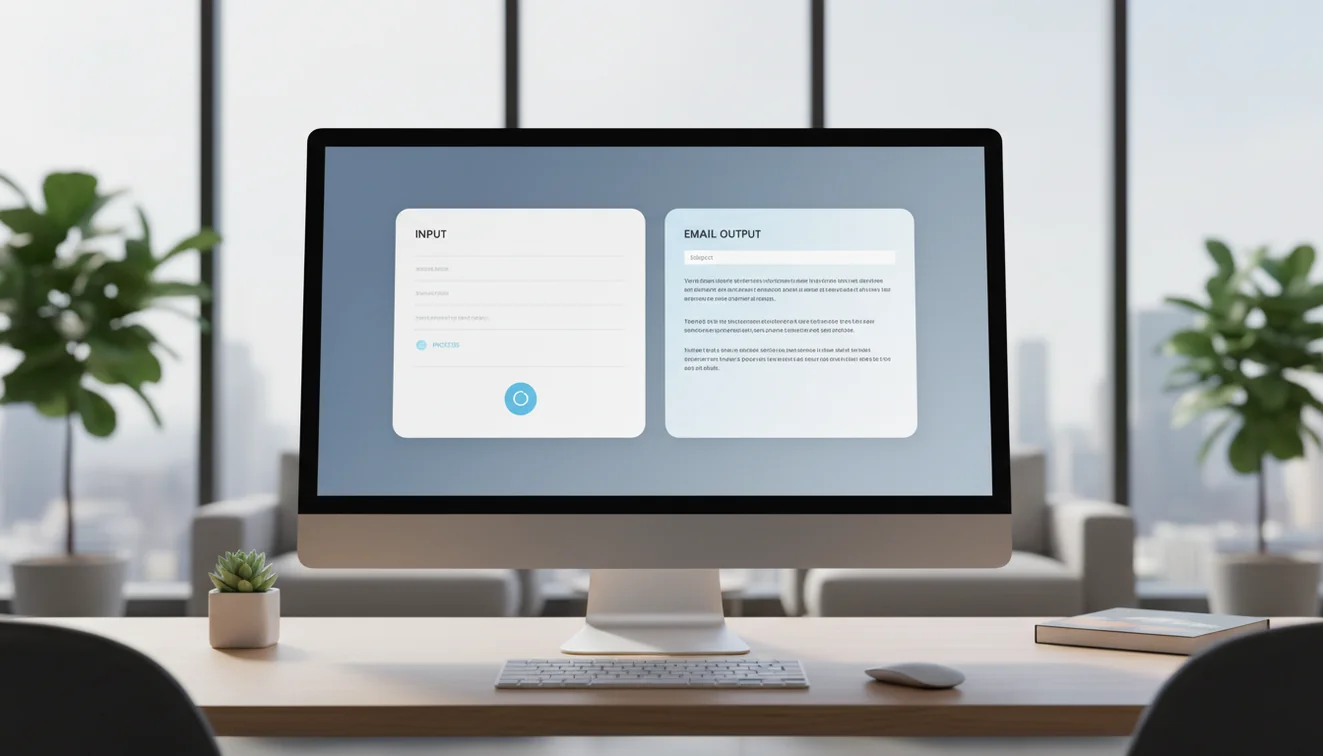
The workflow is intentionally simple. You describe your email goal, add relevant context, choose a tone, and generate. There are no complex settings, no onboarding tutorials, and no feature overload. The design philosophy is that email writing tools should be faster than writing from scratch on your very first use, not after a learning curve.
The mobile app extends this to situations where email decisions happen away from your desk. After a meeting, during a commute, or between calls, you can draft and refine without waiting to get back to a computer. This is where most email tools fall short because they were designed for desktop first. FlyMail treats mobile as a primary workflow, not an afterthought.